Makeup Check AI Interface Guide: Master Your User Experience
Explore the Makeup Check AI interface guide to enhance your experience. Master scanning, shade matching, and tutorials for accurate results and smooth navigation.

Estimated reading time: 8 minutes
Key Takeaways
- Comprehensive Interface: Navigate through Scan Face, Product Matches, Tutorial Library, History, and Settings with updated 2026 features.
- Real-Time Analysis: Achieve shade matching using AI-powered live camera scans or high-resolution uploaded photos with lighting correction features.
- Pro Tips: Follow best practices for lighting, lens care, and detailed preference setup to optimize results in the latest version.
- Diverse Use Cases: From quick shade checks to AR-guided tutorials, allergy-aware recommendations, and AI-driven seasonal trend suggestions.
- Personalization: Tailor your beauty tech experience by adjusting for skin type, sensitivity, style goals, and environmental factors like humidity and UV exposure.
Table of Contents
- Makeup Check AI Interface Tool Overview
- Detailed Interface Walkthrough
- Pro Tips for Interface
- Use Cases
- Conclusion & Next Steps
- FAQ
Makeup Check AI Interface Tool Overview
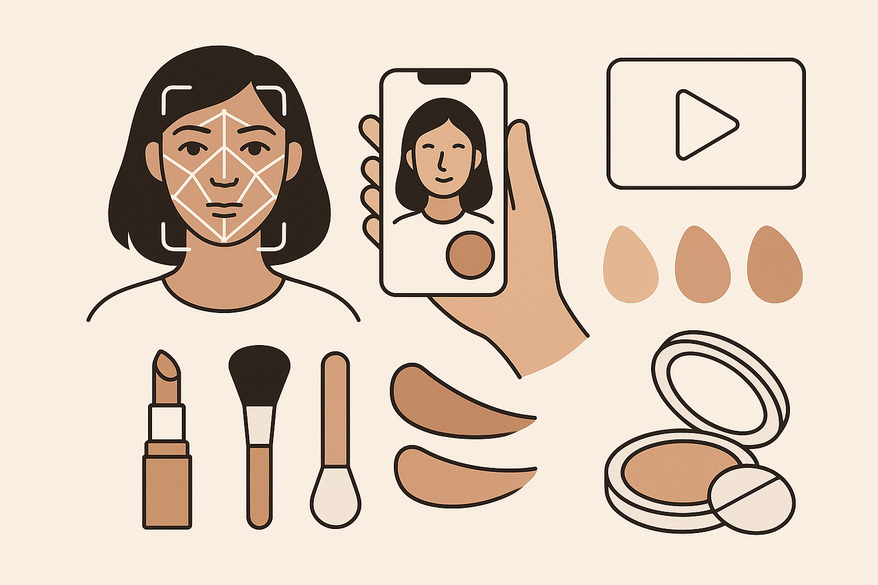
Makeup Check AI integrates real-time face tracking, shade matching, and interactive AR tutorials into a beauty technology platform optimized for 2026.
Its streamlined and intuitive design enables launching of scans and tutorials. Navigate through each tab with Makeup Check AI's layout, leveraging advancements in AI-driven face tracking and AR overlays.
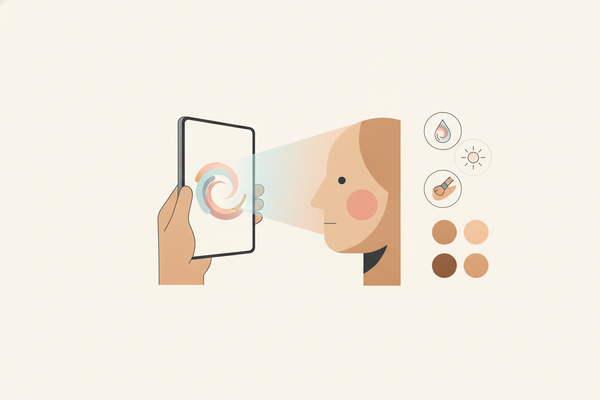
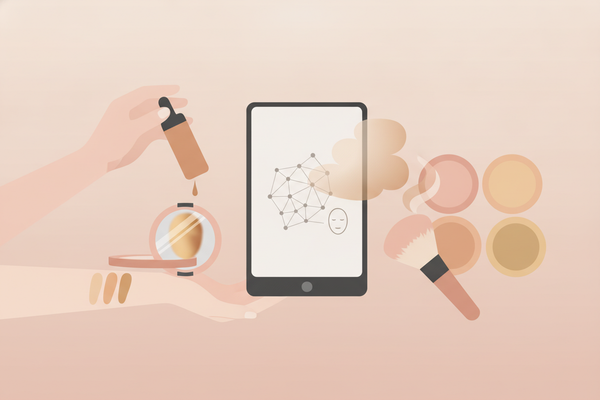
- What it is: A beauty technology tool that analyzes your face via live ultra-HD camera or uploaded high-resolution photo; detects undertones, maps facial features for foundation matching; suggests color palettes and launches virtual tutorials.
- Purpose in beauty tech: Combines skin analysis with virtual artistry; uses AR overlays and face tracking for try-ons; offers interactive, AI-personalized guides.
- Key benefits: Accuracy with multi-angle 3D capture; personalization across skin type, concerns, style goals, and environmental factors; convenience of instant camera preview and guided application routines with AI feedback.
Detailed Interface Walkthrough
Home and Dashboard
- Tabs: Scan Face, Product Matches, Tutorial Library, History, and Seasonal Trends.
- Live ultra-HD camera feed with alignment markers and lighting adjustment indicators.
- Recent scan thumbnails with AI-generated skin health insights and notification alerts.
- Quick-access buttons for your last results, tutorials, and recommended seasonal palettes.
Navigation Menus and Toolbars
- Top bar: Profile icon with customization options, Settings gear, Help (?) button featuring AI-powered chat support.
- Bottom nav: Home, Scan, Tutorials, Matches, History, and Seasonal Trends icons.
- Scan context toolbar: flash on/off, grid overlay toggle, front/rear camera switch, upload photo, lighting tips, and AI lighting correction toggle.
Key Screens
- Scan Face: Alignment markers for eyes, nose, mouth, and jawline; prompts like “Blink to continue” and “Turn head right”; progress indicator showing capture steps with AI quality score feedback; optional 3D face mesh visualization.
- Product Matches: Ranked foundation shade cards and compatible formulas with price and availability updates; curated eye, lip, and cheek palettes; filters for finish, coverage, price, brand, and allergen-free options.
- Tutorial Library: Personalized look list with preview thumbnails; “View Tutorial” buttons launch step-by-step AR guides featuring AI coaching and brush placement feedback; AR overlay previews with multi-angle views.
- History: Saved scans, favorited looks, past tutorial entries; side-by-side comparison view for before/after or multi-product comparisons with timeline slider.
- Settings: Camera permissions and profile details including skin type, allergies, favorite brands, environmental preferences (humidity, UV exposure); notification preferences and privacy controls compliant with 2026 regulations.
Pro Tips for Interface
Accurate Scans
- Remove existing makeup and disable beauty filters; the app detects filter usage and prompts removal.
- Clean your camera lens and use neutral, diffused daylight or enable the AI lighting correction toggle for indoor environments.
- Maintain a neutral expression and follow multi-angle prompts for comprehensive 3D mapping.
Efficient Navigation
- Pre-fill Settings with your skin type, sensitivities, preferred brands, and environmental conditions to maximize personalization.
- Use Product Matches filters (finish, coverage, price, allergen-free) to narrow options.
- Favorite top looks to build a quick-access library in your History tab, sortable by date, popularity, or skin concern.
Common Pitfalls & How to Avoid Them
- Avoid colored or uneven lighting—opt for even, neutral illumination or enable AI lighting correction.
- Hold the device steady; movement can blur feature detection. The app includes a stability indicator to assist.
- Don’t skip preference setup—spend a few minutes configuring Settings before scanning for best results.
Troubleshooting Navigation
For glitches like camera launch failures or misalignments, consult our updated troubleshooting guide featuring 2026 fixes and AI diagnostics.
Use Cases
Quick Shade Match Before Shopping
- Tap “Scan Face” and complete the 3D capture with AI lighting correction enabled.
- Open Product Matches, apply finish, coverage, allergen, and price filters.
- Save your top three shades to History for in-store swatching or online purchase links.
Learning a New Look with Guided Steps
- Select a suggested look from Product Matches, Seasonal Trends, or Tutorial Library.
- Tap “View Tutorial” to launch the AR overlay with step counter and AI coaching feedback.
- Use back/repeat controls and brush placement guidance to perfect each stroke.
Customizing for Sensitive Skin/Allergies
- In Settings, add allergy info and exclude specific ingredients, brands, or product types.
- Re-run the analysis to refresh product suggestions free of allergens and with sensitivity warnings.
Adjusting to Style Goals
- Update your style preference (natural, soft glam, or bold) in Settings.
- Library and Seasonal Trends reprioritize tutorials and palettes based on your choice.
- Use side-by-side simulation with AI-generated intensity adjustments to compare looks.
Conclusion & Next Steps
You’ve explored major areas of the interface: Home/Dashboard, Scan Face, Product Matches, Tutorial Library, History, Settings, and the Seasonal Trends feature. By adopting proper scanning habits and fine-tuning your preferences, you can achieve faster, more accurate, and personalized makeup recommendations. For guidance on creating a personalized regimen, visit How to Build a Digital Beauty Routine with Makeup Check AI.
FAQ
Do I need to remove makeup before scanning?Yes—clean, makeup-free skin generally yields more accurate undertone, texture, and 3D structure analysis.Can I upload a photo instead of using the camera?Yes—tap the Upload icon on the Scan screen. Live ultra-HD capture may offer improved landmark mapping and lighting correction.How do I fix off-color matches?Re-scan under neutral lighting or enable AI lighting correction, clean the lens, verify skin type and finish in Settings, then compare top shade matches.Will it work across different devices?Supported on web and mobile platforms with optimized performance for 2026 devices; performance depends on camera quality and lighting. Keep the app updated for best tracking and feature access.Where are my past looks?All saved scans, favorites, and tutorials are stored in the History tab for easy retrieval, with sorting and filtering options.