Foundation Matcher: AI Shade-Matching Tutorial for Flawless Skin
Discover how a foundation matcher uses AI to find your perfect shade by analyzing skin tone, undertone, and lighting for flawless makeup application.

Estimated reading time: 15 min
Key Takeaways
- A foundation matcher uses AI to analyze skin tone, undertone, and depth for shade matching, leveraging machine learning models trained on diverse skin data.
- Step-by-step shade finding includes photo analysis, brand comparison, and handling between-shade dilemmas with blending recommendations.
- Lighting, camera quality, and skin type influence foundation match accuracy, and proper preparation helps the AI deliver better results.
- Inclusive shade ranges and formulas cater to diverse skin types: dry, oily, sensitive, and vegan-friendly, addressing specific skincare needs and preferences.
- Virtual foundation matchers offer convenience and personalization that can complement many in-store methods, integrating try-ons and makeup guidance.
Table of Contents
- Section 1: How an AI Foundation Matcher Works
- Section 2: Step-by-Step Guide to Using a Foundation Matcher
- Section 3: Matching Foundation by Skin Tone, Undertone, and Depth
- Section 4: Navigating Brand-Specific Shade Matching
- Section 5: What to Do When You’re Between Two Shades
- Section 6: Factors Impacting Foundation Match Accuracy
- Section 7: Foundation Shade Ranges and Formula Considerations
Section 1: How an AI Foundation Matcher Works
Understanding AI-Powered Shade Matching Technology
Foundation matchers powered by AI employ algorithms that analyze multiple skin characteristics simultaneously. These algorithms use computer vision techniques to extract color data, texture patterns, and skin reflectance properties from your face images or live scans. The AI is trained on datasets comprising many skin samples representing a range of ethnicities, skin tones, undertones, and foundation shades. This diverse training helps the AI identify nuances that traditional color-matching methods might miss.
Machine learning models within the matcher may improve by incorporating user feedback and new product data, aiming to keep recommendations current with cosmetic lines and skin care trends. The AI's ability to analyze your unique skin features quickly offers a personalized approach to foundation selection, reducing guesswork often associated with choosing makeup.
Photo Analysis and Facial Scanning
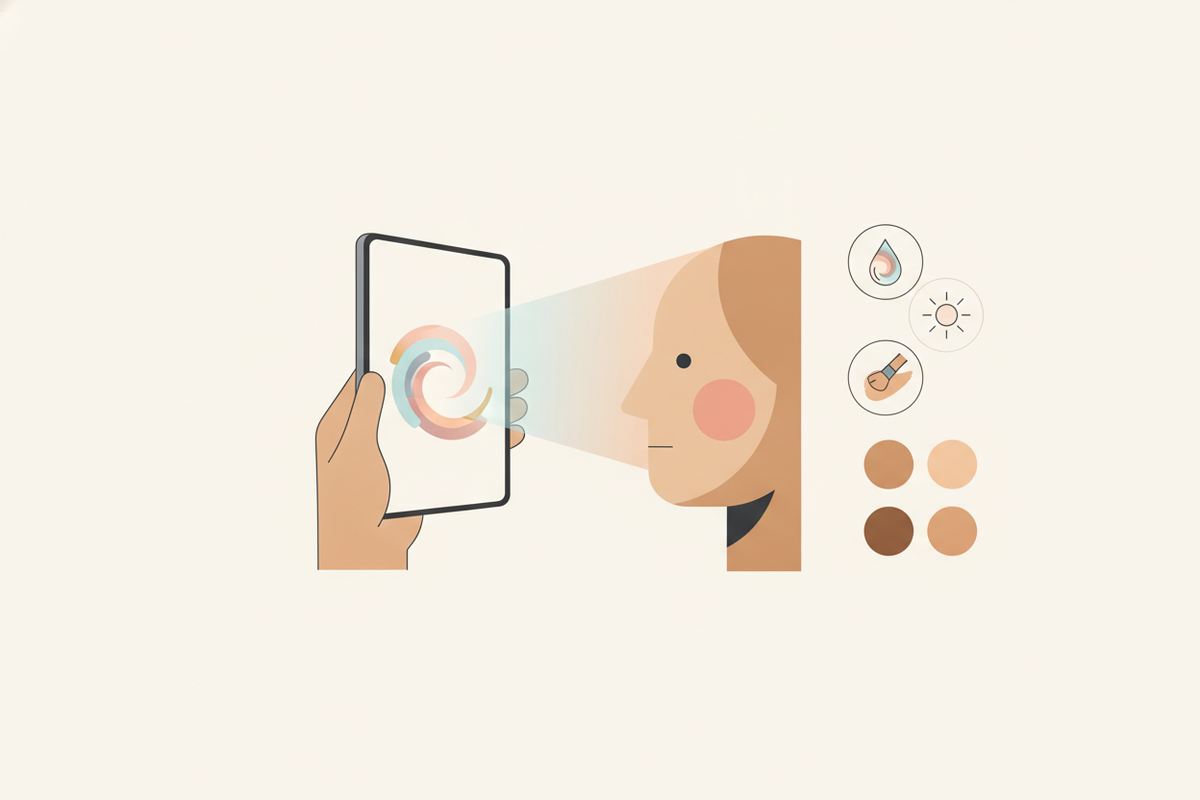
For foundation matching, photo analysis is important. The AI requires images captured under consistent, natural lighting conditions to detect subtle color gradations and undertones accurately. Apps like Makeup Check AI utilize multi-angle facial scans—typically front, left, and right profiles—to collect color data across your face. This process helps the AI understand variations caused by natural shadows and facial contours.
The system analyzes pixel-level color information and compares it against a database of foundation shades, factoring in how each formula interacts with different skin types under various lighting. By doing so, it can recommend foundation shades that match your tone and complement your skin's natural texture and finish.
Integration of Skin Science and AI
Unlike simple color pickers, AI foundation matchers integrate dermatological principles into their algorithms. They consider your skin type—whether dry, oily, sensitive, or combination—to suggest formulas that maintain skin health and enhance comfort. For example, the AI may avoid recommending matte formulas for dry skin prone to flaking and suggest hydrating foundations with emollient ingredients.
Additionally, the matcher evaluates skin undertones using colorimetry principles and can detect variations such as olive or neutral undertones that influence how foundation shades appear. This combined approach aims to align recommendations with both cosmetic aesthetics and skin science, improving wearability and user satisfaction.
Section 2: Step-by-Step Guide to Using a Foundation Matcher
Step 1: Preparing Your Skin and Environment
For accurate AI analysis, begin with a clean, makeup-free face. This allows the AI to read your natural skin tone without interference from cosmetics or oils. Follow these preparation steps:
- Cleanse your face thoroughly: Use a gentle cleanser suitable for your skin type to remove dirt, oil, and residual makeup.
- Moisturize lightly: Applying a lightweight moisturizer can help create an even skin surface without adding shine that may distort color readings.
- Choose ideal lighting: Natural daylight between 10 AM and 2 PM is optimal. Avoid direct sunlight, which can cause harsh shadows, and refrain from artificial lighting sources like fluorescent bulbs that alter color perception.
- Position yourself properly: Face a large window or use a daylight-balanced LED ring light to evenly illuminate your face.
- Clean your camera lens: A smudged lens can blur details and affect color accuracy.
Step 2: Uploading or Scanning Your Face
Next, use your AI foundation matcher app to capture your facial images. For best results:
- Follow app prompts: Many apps like Makeup Check AI guide you step-by-step, indicating when to capture each angle.
- Maintain a neutral expression: Avoid smiling or squinting to prevent distortion of facial contours.
- Capture multiple angles: Front-facing as well as left and right profiles help the AI assess color variations across different facial areas.
- Check for image clarity: Ensure photos are in focus, with no motion blur.
Some apps also allow live scanning using your device's camera, providing immediate feedback on image quality and lighting conditions.
Step 3: Review AI Shade Recommendations
Once the AI processes your images, it generates a list of foundation shade matches tailored to your complexion. These recommendations typically include:
- Multiple shades spanning different brands and formulas, ranked by closeness of match.
- Details on finish type (matte, satin, dewy) and coverage level (sheer, medium, full).
- Guidance on application techniques optimized for each formula.
Many applications offer virtual try-on features, overlaying the recommended foundation shades on your uploaded photo. This allows you to preview how each shade blends with your natural skin in real time, aiding in confident selection.
Additionally, some apps provide links to purchase products directly or integrate with retailers for sample requests, simplifying the transition from recommendation to trial and purchase.
Section 3: Matching Foundation by Skin Tone, Undertone, and Depth
Skin Tone Categories
Skin tone is the visible color of your skin and is a primary factor in foundation matching. AI matchers classify skin tones into nuanced categories beyond the basic fair, medium, and deep to accommodate subtle differences. Commonly recognized categories include:
- Fair: Very light skin often with pink or neutral undertones, prone to redness and freckles.
- Light: Light skin with warm or cool undertones, often with a porcelain or beige appearance.
- Medium: Includes olive and warm tones, with beige to tan shades; common in Mediterranean, Hispanic, and Middle Eastern complexions.
- Tan: Deeper golden or bronze skin tones, often with warm undertones.
- Deep: Rich brown to ebony skin with warm, neutral, or cool undertones.
- Dark: Very deep tones with diverse undertones, requiring formulations that avoid ashy or gray hues.
AI tools analyze skin reflectance and color distribution across the face to assign your skin tone category, which narrows the pool of foundation shades to those most likely to match.
Determining Your Undertone
Undertone refers to the subtle hue beneath the surface skin color and is important for foundation harmony. Manual identification can be challenging, but AI uses spectral analysis to detect undertones:
- Cool undertones: Characterized by pink, red, or blue hues. People with cool undertones often look best in foundations with a rosy or neutral base.
- Warm undertones: Yellow, golden, or peach hues predominate. Warm undertones pair well with foundations containing golden or caramel tones.
- Neutral undertones: A balanced mix of cool and warm elements, allowing flexibility in foundation choices.
Makeup Check AI’s colorimetric analysis evaluates the RGB and HSV color values from your photos, identifying undertones even in cases where manual methods like vein color observation or jewelry tests may be ambiguous.
Assessing Skin Depth and Color Variations
Skin depth refers to the overall lightness or darkness of your complexion, distinct from undertone. AI matchers assess depth alongside tone to help ensure foundation opacity and pigmentation match your natural skin.
Many individuals have uneven pigmentation due to hyperpigmentation, melasma, or scarring. AI technology detects these variations and suggests formulas with appropriate coverage levels—sheer to full—so your foundation evens out skin tone without masking your natural features.
For example, if you have dry patches or textured skin, the AI may recommend lightweight, buildable formulas rather than heavy creams that can accentuate imperfections.
Section 4: Navigating Brand-Specific Shade Matching
Variability Between Brands
One challenge in foundation shopping is the inconsistency in shade names and numbering across brands. For example, a "Light Beige" in one brand might be warmer or cooler than a similarly named shade in another. This inconsistency can lead to frustration and wasted purchases.
AI foundation matchers address this by cross-referencing your skin profile with each brand’s shade chart. The AI considers the undertones, pigment bases, and formula finishes of each brand’s shades, allowing it to recommend the closest equivalent across brands. This cross-brand matching expands your options and simplifies decision-making.
Popular Brands and Their Shade Ranges
Many brands have expanded shade offerings in recent years, but ranges still vary. Here’s how AI matchers help you navigate these popular lines:
- Fenty Beauty: Known for its extensive shade range, the brand covers a wide spectrum of undertones, making it a favorite for many. The AI highlights shades like 210 for neutral undertones in medium skin or 420 for deep warm tones.
- MAC Cosmetics: With many shades, MAC categorizes foundations by depth (light, medium, deep) and undertone (neutral, warm, cool). The AI can pinpoint shades like NC25 (neutral cool for light-medium skin) or NW45 (neutral warm for deep skin).
- NARS: Offers nuanced shades with varying coverage and finishes. The AI recommends options such as "Punjab" for medium warm undertones or "Cacao" for deep warm complexions.
By offering shade equivalencies and brand-specific tips, AI matchers reduce confusion and streamline your shopping experience.
Smart Recommendations for New and Niche Brands
Beyond mainstream brands, AI matchers also include indie, cruelty-free, and vegan-friendly brands with specialized formulations. This is helpful for users with sensitive skin or ethical preferences.
For example, if you indicate sensitive skin, an AI matcher might suggest brands like ILIA or RMS Beauty, known for hypoallergenic and natural ingredient bases. Similarly, vegan formulations such as those from Pacifica or Cover FX can be highlighted. This tailored approach broadens your options while meeting your specific needs.
Section 5: What to Do When You’re Between Two Shades
Understanding Between-Shade Challenges
Many people experience difficulty choosing when their skin tone falls between two foundation shades. Seasonal changes, sun exposure, and skin condition fluctuations can cause your ideal shade to shift subtly over time.
Selecting a shade too light can result in a washed-out or ashy appearance, while a shade too dark may appear unnatural or create a mask-like effect. This dilemma can discourage online foundation purchases.
Blending Shades for a Custom Match
AI foundation matchers address this by recommending a blending approach. Mixing two shades can create a personalized color that adapts to your skin more precisely.
- Mixing method: On a clean surface like the back of your hand or a mixing palette, start by combining equal parts of the two recommended shades.
- Adjust ratios: Modify the proportions incrementally—more of the lighter shade for a brighter finish, or more of the darker shade for warmth.
- Test application: Apply the blend to your jawline or neck area to check for seamless integration.
- Use custom mixers: Some brands offer foundation mixers (tints or lighteners) designed to be blended with base colors for precise adjustments.
Blending also allows you to adapt your foundation throughout the year, addressing changes like summer tanning or winter dryness.
Using AI Tools to Preview Blended Shades
Some foundation matchers, including Makeup Check AI, offer virtual try-on features that simulate how blended shades look on your photo. This capability lets you experiment with different ratios digitally, saving time and product waste.
Users can cycle through various blends and finishes, adjusting opacity and undertone shifts, to find a personalized match before purchasing.
Section 6: Factors Impacting Foundation Match Accuracy
Lighting Conditions
Lighting is a critical factor affecting foundation matching. The color temperature and intensity of light can change the appearance of your skin tone in photos.
- Natural daylight: Provides the truest color representation, ideally indirect sunlight during midday.
- Avoid fluorescent lighting: Fluorescent bulbs emit a greenish tint that skews color perception.
- Steer clear of incandescent or tungsten bulbs: These cast warm yellow/orange hues, altering color accuracy.
- Consistent lighting: Ensure your face is evenly lit with minimal shadows to avoid patchy color readings.
Following these lighting recommendations helps the AI analyze your skin tone more accurately.
Camera Quality and Settings
Camera hardware and software affect how colors are captured. Higher resolution cameras capture finer details and more accurate color data, improving AI analysis.
If your device has a lower quality camera, some apps compensate by applying color calibration algorithms, but results may be less precise.
Key camera considerations include:
- White balance: Set this correctly (often via auto mode) to avoid unnatural color casts.
- Focus and clarity: Blurry or out-of-focus images reduce the AI’s ability to discern undertones and texture.
- Image format: Using uncompressed or high-quality JPEGs preserves color fidelity.
Skin Type and Surface Texture
Your skin type influences how foundation sits and appears once applied. The AI matcher evaluates this through image texture analysis and questionnaire inputs, recommending formulas that complement your skin’s condition.
- Dry skin: May benefit from hydrating, luminous foundations that prevent patchiness.
- Oily skin: Prefers matte, oil-control formulas that minimize shine.
- Combination skin: Often requires balancing products or targeted application techniques.
- Sensitive skin: Needs fragrance-free, hypoallergenic formulations.
Surface texture, such as enlarged pores, fine lines, or acne scars, affects foundation finish and appearance. The AI may recommend formulas with blurring or smoothing properties to enhance complexion uniformity while maintaining a natural look.
Section 7: Foundation Shade Ranges and Formula Considerations
Inclusivity in Shade Ranges
Many beauty brands have expanded shade ranges to accommodate a broader spectrum of skin tones and undertones. AI foundation matchers leverage these shade databases to help users find suitable matches.
Apps like Makeup Check AI curate personalized suggestions across brands with extensive shade offerings, helping users avoid frustration from limited options.
For example, brands like Fenty Beauty and Maybelline Fit Me have included over 40 shades each, covering cool, warm, and neutral undertones. AI tools highlight these inclusive options for users with diverse complexions.
Choosing Formulas for Different Skin Types
- Dry skin: Hydrating foundations enriched with ingredients like hyaluronic acid, glycerin, and oils such as jojoba or squalane provide a dewy finish and help prevent flaking. Examples include NARS Sheer Glow and Giorgio Armani Luminous Silk.
- Oily skin: Matte or oil-control foundations containing mattifying agents like silica or salicylic acid reduce shine and help control breakouts. Popular options include Estée Lauder Double Wear and Fenty Beauty Pro Filt’r Matte.
- Sensitive skin: Hypoallergenic, fragrance-free, and non-comedogenic formulas minimize irritation risk. Brands like Clinique and Tarte offer such products tested for sensitive skin.
- Vegan-friendly: Cruelty-free foundations with plant-based ingredients free from animal derivatives. Indie brands such as ILIA Beauty and Cover FX Vegan Foundations are examples.
AI matchers incorporate these considerations by asking users about skin concerns during setup and tailoring foundation recommendations accordingly.
Virtual Matchers vs. In-Store Matching
Traditional in-store foundation matching relies on testers, mirrors, and store lighting, which can vary widely. This sometimes leads to mismatched purchases once the product is seen in different lighting or after wear.
Virtual foundation matchers offer:
- 24/7 accessibility: Match your foundation anytime without store visits.
- Personalized, data-driven analysis: AI considers multiple variables simultaneously, including undertone, skin depth, texture, and type.
- Virtual try-ons and blending: Preview how shades look on your own image before purchasing.
- Integration with tutorials and reviews: Learn application tips and read feedback tailored to your matched shades.
These features can reduce the risk of wrong purchases, enhance user confidence, and make foundation shopping more convenient.
Learn more about the evolution of AI makeup technology in our Makeup AI post.
Conclusion
Finding your foundation shade can be easier and more precise with AI-powered foundation matchers. By analyzing your skin tone, undertone, depth, and skin type, these tools provide personalized recommendations suited to your complexion and lifestyle.
Whether navigating brand-specific shade names, blending between shades, or selecting formulas for dry or oily skin, AI matchers simplify the process, saving time and potentially reducing costly product returns. They offer scientific insights and virtual try-ons that complement traditional methods.
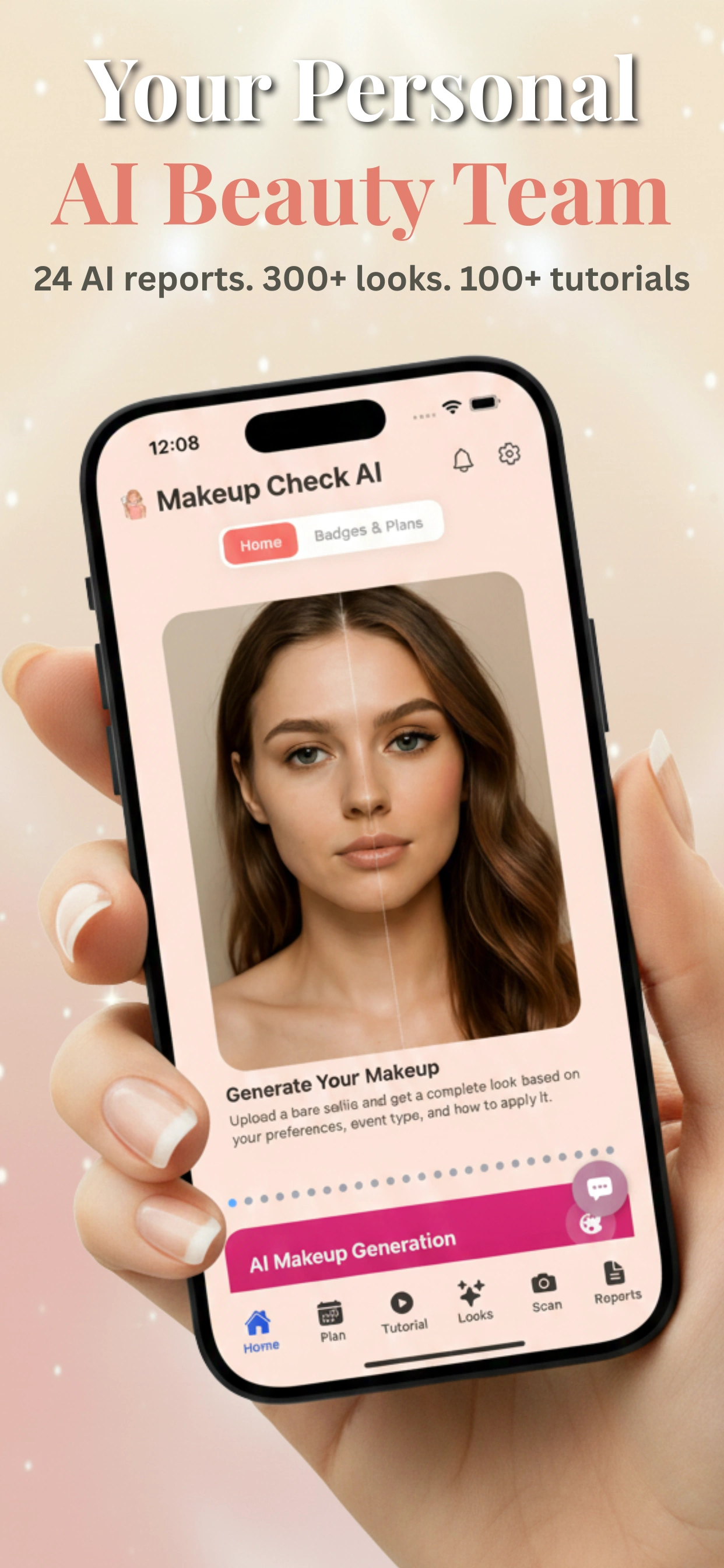
For best results, use an app like Makeup Check AI that offers AI-powered beauty analysis, virtual try-ons, and ongoing personalized makeup and skincare support. Embrace technology designed to help you look and feel your best every day.
FAQ
Q: How does a foundation matcher work?
A: A foundation matcher uses AI to analyze your skin tone, undertone, and texture from photos or scans, then cross-references this data with shade databases to recommend foundation matches. It leverages machine learning and dermatological insights for personalized suggestions.
Q: How do I find my foundation shade online?
A: Use an AI foundation matcher app to upload clear photos of your face under natural light. The app analyzes your skin and suggests shades from various brands that suit your profile, often providing virtual try-on features for confidence before purchase.
Q: What is my undertone for foundation matching?
A: Undertones are the subtle hues beneath your skin’s surface—cool (pink/blue), warm (yellow/golden), or neutral. AI matchers detect these undertones using colorimetric analysis to find foundations that look natural on your skin.
Q: What if I’m between two foundation shades?
A: Many AI apps recommend blending two shades to create a custom match, and some offer virtual try-ons so you can preview how blends look before purchasing. This approach adapts to seasonal changes and skin tone fluctuations.
Q: Are virtual foundation shade finders accurate?
A: When used with good lighting and quality photos, AI foundation matchers can be accurate, often complementing in-store methods by considering skin science and multiple variables simultaneously, including texture and undertones.
Q: Which foundation shade finder is best for my skin type?
A: Choose an AI matcher that considers your skin type (dry, oily, sensitive) and recommends suitable formulas. Apps like Makeup Check AI personalize shades and formulas based on your skin’s unique needs and preferences.
Free to start
Try the Makeup Check AI app
Everything in this guide, in your pocket.
Get it on iPhoneGet it on Android