How to Optimize Makeup Check AI Performance: A Practical Guide
Learn to optimize makeup check AI performance for faster, more accurate virtual makeup checks with techniques like latency reduction and cross-device compatibility.

Estimated reading time: 8 minutes
Key Takeaways
- Optimize model size with quantization, pruning, and distillation to improve inference speed.
- Implement intelligent pipeline tuning, caching, and temporal smoothing to help reduce latency.
- Adopt device-aware strategies and feature toggles to support cross-device compatibility.
- Leverage platform-optimized libraries and on-device acceleration to enhance performance.
- Maintain continuous monitoring and A/B testing to support ongoing improvements.
Table of Contents
- Introduction
- Section 1: Defining Makeup Check in AI
- Section 2: Importance of Performance Optimization
- Section 3: Techniques for Optimizing AI Performance
- Section 4: Ensuring Compatibility Across Devices
- Section 5: Integration and Implementation
- Conclusion & Call to Action
- FAQ
To optimize makeup check AI performance is to unlock faster, more accurate virtual makeup checks that enhance user experience. In this guide, we cover reducing latency, improving accuracy, and supporting seamless cross-device behavior. You’ll learn definitions, understand importance, explore optimization techniques, handle compatibility, and see a step-by-step implementation roadmap. For research insights, see Improve App Response Time for Makeup Check AI and AI in Beauty Industry Conversion Benefits. For insights on virtual try-ons, see our AR-focused breakdown.
For developers looking to streamline integration, Makeup Check AI provides a how-it-works video to help you implement optimized pipelines and model switching logic with confidence.
Section 1: Defining Makeup Check in AI
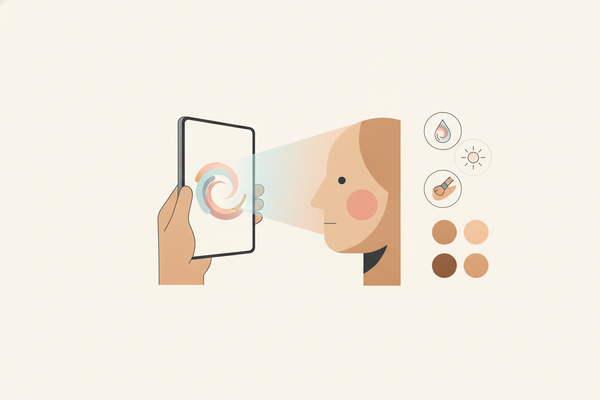
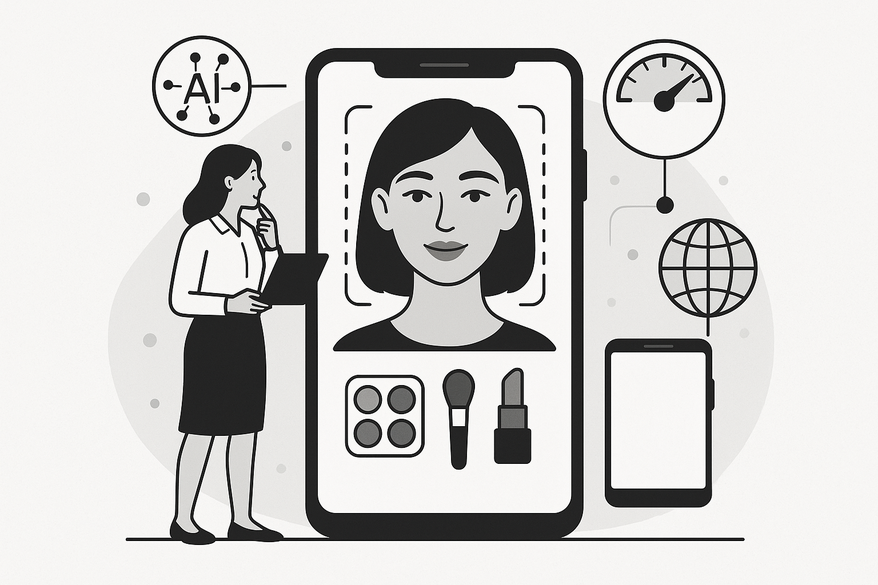
What is a makeup check? It’s AI-driven face analysis, landmark detection, and overlay rendering to assist with shade matching, guide application, or enable AR try-ons.
- Face analysis – detect features and skin tone to support shade matching.
- Landmark detection – identify eyes, lips, cheeks, brows.
- Overlay rendering – map lipstick, eyeshadow, blush, or foundation in real time.
Virtual Try-Ons and Live Tutorials
- Lipstick, eyes, cheeks, brows try-ons via augmented reality filters.
- Real-time makeup tutorials with feedback on symmetry and coverage.
Why performance matters
Lag or jitter can disrupt immersion and affect user experience. Fast, accurate makeup check AI supports natural interaction and user satisfaction. (Definition Source: Consultport) (Advanced Tips Source: Advanced Makeup Check AI Tips)
Section 2: Importance of Performance Optimization
Why optimize? Responsive AR effects help maintain user engagement and can support improved conversion rates.
Common Challenges
- Latency from complex deep-learning models processing high-resolution camera frames.
- Increased error rates when landmarks are less reliable under poor lighting or extreme angles.
- Resource constraints on low- and mid-tier devices—CPU/GPU limits and thermal throttling.
Benefits of Optimization
- Faster processing reduces time-to-interactive (TTI).
- Stable AR frame rates support smooth overlays.
- Improved shade placement accuracy enhances realism.
- Better user satisfaction can lead to higher trial counts and conversion improvements.
(Performance Source: Improve App Response Time for Makeup Check AI) (Conversion Source: AI in Beauty Industry Conversion Benefits)
Section 3: Techniques for Optimizing AI Performance
Model Efficiency
- Quantization, pruning, and knowledge distillation to reduce model size with minimal accuracy loss.
- Tiered models: lightweight versions for low-end devices, full versions for high-end, with adaptive switching.
- Emerging techniques like dynamic neural networks aim to allow models to adjust complexity in real-time based on device resources and input difficulty, potentially optimizing performance further.
Pipeline Tuning
- Intelligent input downsampling—detect at 720p or lower, render at full resolution only when needed.
- Batch and cache intermediate results; reuse landmarks when head pose change is under 5°.
- Incorporate asynchronous processing pipelines to parallelize tasks and reduce frame stalls.
Data Preprocessing
- Normalize lighting and color space for consistent inputs.
- Apply temporal smoothing on landmark coordinates to reduce jitter and recomputation.
- Use AI-driven denoising filters to improve landmark detection under low-light conditions.
Algorithm Improvements
- Specialized nets for lips, eyes, brows that maintain temporal consistency.
- Pose-aware warping and occlusion handling for accurate overlays under movement.
- Predictive prefetching—load common templates/shades based on usage history.
- Incorporate transformer-based architectures for improved contextual understanding and robustness.
Code Optimization
- Use platform-optimized libraries (BLAS, TensorRT, Core ML, NNAPI, Metal Performance Shaders) and leverage GPU/Neural Engine/TPU.
- Minimize heap allocations; pre-allocate frame and mask buffers.
- Profile hot code paths; target >100 ms savings on critical loops first.
- Utilize modern compiler optimizations and Just-In-Time (JIT) compilation where applicable.
For hands-on techniques, check our advanced tips. (Techniques Source: Improve App Response Time for Makeup Check AI)
Section 4: Ensuring Compatibility Across Devices
Cross-Device Challenges
- Diverse CPUs, GPUs, NPUs, and thermal profiles.
- Varying camera sensors, OS constraints, screen sizes, and refresh rates.
- Increasing adoption of foldable and multi-screen devices adds complexity to rendering and UI adaptation.
Best Practices
- Responsive AR rendering: dynamically adjust model size, frame resolution, and effect complexity per device tier.
- Feature toggles: offer “Quick Scan” (fast, lower-res) vs. “Deep Analysis” (full precision) modes.
- Modular architecture enabling independent AI module updates on iOS, Android, and web.
- Leverage device capability detection APIs to auto-tune performance parameters on app launch.
Testing & Monitoring
- Device farms (Firebase Test Lab, BrowserStack, AWS Device Farm) for broad hardware and OS coverage.
- Simulate network throttling (3G/4G/5G) and poor-lighting conditions.
- Continuous monitoring of API latency, AR FPS, and TTI via Firebase Performance, Xcode Instruments, Android Profiler, and emerging AI-specific monitoring tools.
- Use real-user monitoring (RUM) to capture performance metrics from actual users in diverse environments.
(Compatibility Source: Improve App Response Time for Makeup Check AI)
Section 5: Integration and Implementation
Step-by-Step Rollout
- Baseline & Profile
- Instrument detection/inference times, FPS, and TTI across key devices.
- Use profiling tools that support on-device telemetry collection for more accurate metrics.
- Model Right-Sizing
- Deploy quantized and pruned variants; add adaptive switching logic.
- Consider dynamic model loading based on runtime device conditions.
- Pipeline Restructure
- Implement downsampling, caching, temporal smoothing, and asset prefetch.
- Integrate asynchronous and multi-threaded processing to maximize hardware utilization.
- Edge-First Strategy
- Perform per-frame inference on-device; use server for heavy personalization.
- Utilize federated learning approaches to improve models while aiming to protect user privacy.
- Feature Modes
- Build “Quick Scan” and “Deep Analysis”; allow user toggles.
- Incorporate AI-driven mode switching based on user behavior and device state.
- Continuous A/B Testing
- Compare optimized vs. baseline flows; prioritize changes that save >100 ms.
- Leverage automated experimentation platforms integrated with CI/CD pipelines.
Real-World Examples
- Estée Lauder’s virtual try-on: offers multiple shades quickly, supporting user engagement.
- Live AI feedback overlays that adapt to user application technique for enhanced satisfaction.
- New developments include AI-powered makeup assistants using multi-modal inputs (voice, gesture) to enhance user interaction.
Future Trends
- On-device NPU acceleration enabling larger real-time models on mid-tier phones.
- Adaptive pipelines that learn per-user and per-device optimal configurations through telemetry.
- Environmental context awareness (lighting, weather) for tailored recommendations.
- Integration of generative AI for personalized makeup suggestions and style adaptations.
- Advances in 3D face reconstruction for ultra-realistic makeup application previews.
(Implementation Source: Improve App Response Time for Makeup Check AI) (Examples Source: AI in Beauty Industry Conversion Benefits) (Future Trends Source: DKSH Discover)
Conclusion & Call to Action
Efficient models, a streamlined pipeline, adaptive feature modes, and rigorous cross-device testing contribute to improved makeup check AI performance. By implementing these techniques you can optimize makeup check AI for faster, more accurate virtual try-ons. Start profiling today, set up continuous monitoring, and share your results or questions in the comments below. (Conclusion Source: Improve App Response Time for Makeup Check AI) (Conclusion Source: AI in Beauty Industry Conversion Benefits)
FAQ
- What is makeup check AI?Makeup check AI uses face analysis, landmark detection, and overlay rendering to enable virtual makeovers, shade matching, and real-time AR tutorials.
- How can I reduce latency in AI makeup checks?Apply model optimization techniques such as quantization and pruning, tune your processing pipeline with caching and downsampling, and leverage on-device acceleration.
- How do I ensure compatibility across different devices?Use responsive AR rendering, offer feature toggles for different precision modes, and test extensively on diverse hardware with tools like Firebase Test Lab or BrowserStack.