Master AR Makeup Step-by-Step: A Comprehensive Guide to Virtual Beauty
Explore the AR makeup step-by-step process to enhance your virtual beauty routine. Discover risk-free experimentation and personalized recommendations.

Estimated reading time: 8 minutes
Key Takeaways
- AR makeup lets you try virtual looks without physical products.
- Five easy steps guide you from app setup to sharing your finished look.
- Popular apps like YouCam Makeup, Banuba Studio, and BytePlus offer realistic overlays with AI enhancements.
- Proper lighting, angle, and app permissions help ensure good AR results.
Table of Contents
- Introduction
- What is AR Makeup?
- Core Benefits of AR Makeup
- AR Makeup Step-by-Step Process
- Tools, Apps & Technology Requirements
- Tips & Best Practices for AR Makeup Success
- Conclusion
Introduction
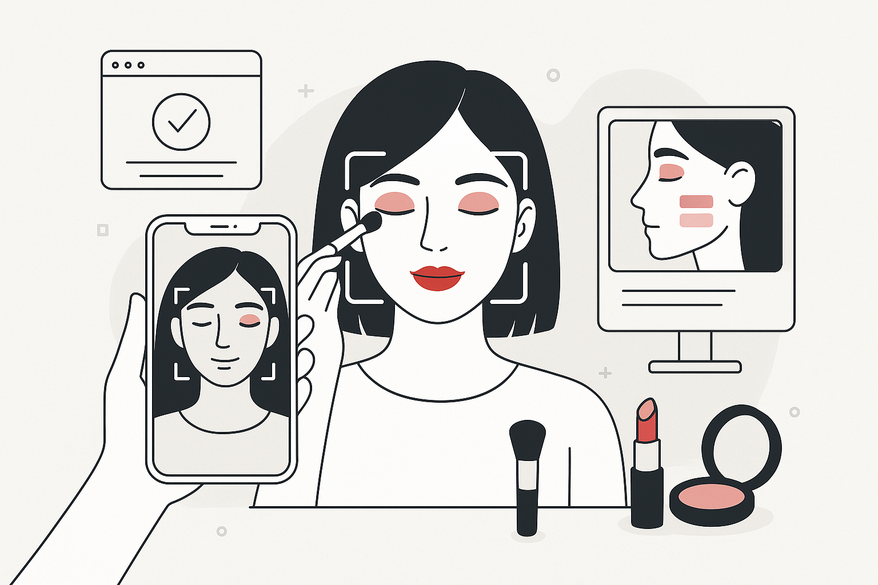
AR makeup step-by-step continues to change how we experiment with beauty looks without physical application. Augmented Reality makeup uses virtual applications combined with AI-powered face-tracking to overlay cosmetic effects in real time with increasing realism. This virtual beauty tool has grown in popularity for its convenience, safety, and risk-free experimentation, now enhanced with AI personalization and improved rendering quality. This guide walks you through each AR makeup step-by-step so you can explore virtual beauty confidently.
For a guided AR makeup experience powered by AI, check out Makeup Check AI, which provides virtual try-ons and personalized shade recommendations with skin tone detection and product matching.
What is AR Makeup?
Augmented Reality makeup refers to virtual cosmetic applications using face-tracking and AI to overlay makeup on a live camera feed. It combines computer vision, machine learning, and 3D face mapping technology to mimic foundation, eyeshadow, lipstick, contouring, and more with fine precision. Recent developments include improved skin texture rendering and lighting adaptation to better match your environment. For more on AR try-on benefits, explore the full tutorial.
Core Benefits of AR Makeup
- Interactive in-app guidance with step-by-step tutorials and AI-driven suggestions.
- Risk-free experimentation without wasting physical products or time.
- Personalized shade recommendations via facial landmark and skin tone analysis.
- Instant feedback and real-time color adjustments with lighting simulation.
AR Makeup Step-by-Step Process
Step 1: Downloading & Setting Up an AR Makeup App
- Select a popular AR makeup app, such as YouCam Makeup (iOS & Android), Banuba Virtual Makeup Studio, or BytePlus AR Gamification Makeup.
- Open the App Store or Google Play, search the app name, then tap Install and open it.
- Create or log in to your account to save looks, preferences, and receive personalized recommendations.
Expert tip: Enable push notifications to stay updated on new looks, seasonal collections, and AI feature upgrades.
Step 2: Scanning Your Face & Understanding the Interface
- Grant camera permissions to let the app access your front lens with full resolution for optimal tracking.
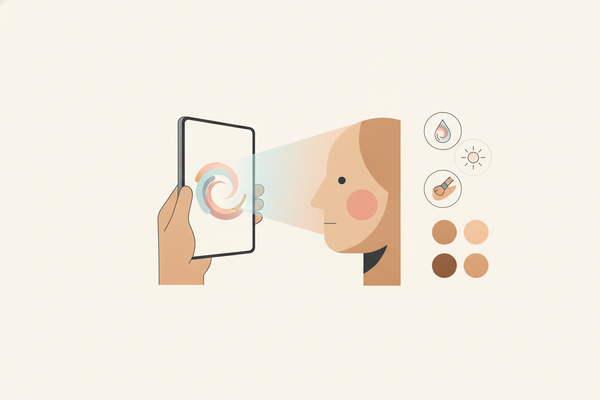
- Position your face within the on-screen frame and hold still for accurate facial landmark detection.
- Explore the user interface: swipe through menus for brows, lips, eyes, and contour; follow tutorial overlays for placement guidance.
Pro tip: Use natural, diffused lighting and maintain a stable angle to optimize face tracking and color accuracy.
Step 3: Browsing & Selecting Makeup Looks
- Tap “Looks” or “Try On” to browse curated styles—daytime, evening, editorial, or influencer collections.
- Alternatively, select individual products: foundation, contour, eyeshadow, lipstick, blush, and highlighter.
- Filter by your skin tone, occasion, or preferred brand to find tailored results.
Step 4: Making Adjustments to Fit Personal Preferences
- Use sliders to adjust color intensity, opacity, and blend modes.
- Pick undertones with a shade picker offering cool, warm, neutral, and custom gradient options.
- Accept AI-generated shade matches based on your skin analysis if you’re unsure.
Expert insight: Set virtual contour opacity between 10–30% for a natural look, and use soft edges to avoid harsh lines.
Step 5: Finalizing & Sharing Your Virtual Look
- Review your look from multiple angles by slowly tilting your head side to side to check consistency.
- Save a snapshot or add to your gallery for side-by-side comparisons or future reference.
- Share directly to Instagram, TikTok, or Snapchat, including the filter or look name so friends can try it too.
Tools, Apps & Technology Requirements
To ensure a smooth AR makeup experience, consider these typical specs:
- YouCam Makeup (iOS & Android) – supports high-resolution camera feeds and AI skin analysis.
- Banuba Virtual Makeup Studio – features lighting adaptation and 3D makeup layering.
- BytePlus AR Gamification Makeup – includes gamified tutorials and social sharing.
- Device: Smartphone, tablet, or computer with 5MP+ front camera; higher resolution recommended for better results.
- Operating System: iOS 14+ or Android 11+ for compatibility with AR frameworks.
- Stable internet connection for cloud-based AI processing and updates.
Privacy tip: Choose apps compliant with privacy regulations such as GDPR and CCPA that encrypt face data and offer transparent data controls.
Tips & Best Practices for AR Makeup Success
- Ensure even, natural lighting—avoid harsh backlighting or direct sunlight.
- Hold your device at eye level, approximately 12–18 inches from your face for optimal tracking.
- Clean your camera lens with a soft microfiber cloth regularly to avoid blurry overlays.
- Experiment with multiple looks and save your favorites to build a virtual makeup portfolio.
- Manually adjust your undertone if auto-detection is inaccurate, as ambient lighting can affect AI accuracy.
- Update your apps regularly to benefit from improvements and new makeup collections.
Conclusion
AR makeup step-by-step offers risk-free experimentation, interactive tutorials, and smarter purchase decisions. Advancements in AI and AR technology continue to make virtual makeup more realistic and personalized. Follow this guide to explore virtual beauty and gain confidence before investing in real products. Dive in, try your favorite apps, and share your virtual masterpieces!
FAQ
Why isn’t the makeup aligning correctly?
Check your lighting conditions, adjust your device angle, pull hair back to expose your face fully, and ensure nothing blocks the camera’s view of your facial landmarks. Also, verify that the app has full camera permissions.
The app is lagging or crashing—what do I do?
Update your device’s operating system and the app to the latest versions, close background apps to free up RAM, and restart your device. For older devices, consider lowering the app’s graphics settings if available.
How accurate are virtual shades compared to real products?
Many apps use detailed face mapping combined with AI-driven skin tone analysis for good fidelity. However, results can vary depending on camera quality, lighting conditions, and screen calibration. Whenever possible, test products in natural light before purchase.