makeup simulator: Instantly Try 300+ AI Makeup Looks with Personalized AI
Discover the ultimate makeup simulator: try 300+ looks online, match shades to your skin, and get personalized tutorials. No app download required!

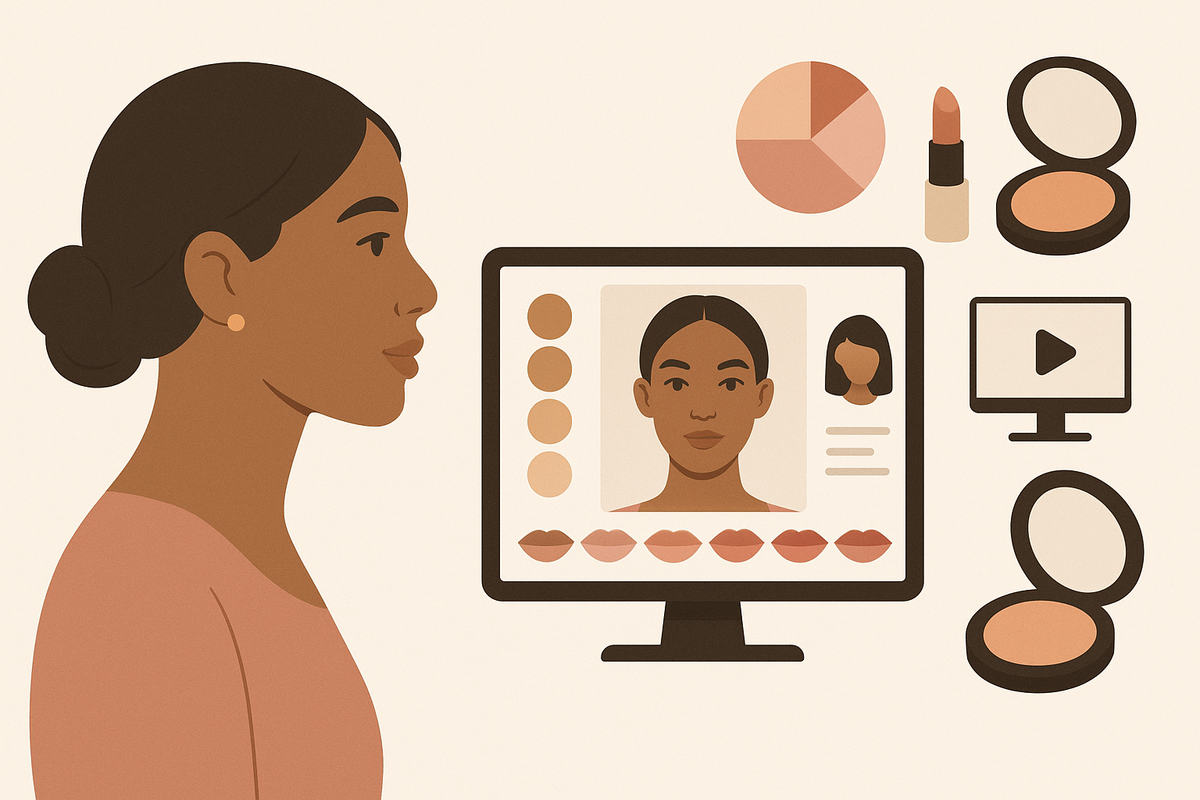
Estimated reading time: 13 min
Key Takeaways
- The makeup simulator app lets you instantly try 300+ AI-generated looks online—no downloads or sign-up needed for most features.
- Upload a selfie or use your live camera to see realistic AR makeup on your face in seconds. The makeup simulator provides fast, true-to-life virtual try-on for all skin tones and facial features.
- Test a wide range of products: lipstick, eyeshadow, blush, contour, brows, foundation, and more using the makeup simulator's extensive shade library.
- Advanced simulators use AI for skin tone and undertone matching, ensuring true-to-life results every time with the makeup simulator app.
- Download before-and-after previews, access tutorials, and get personalized beauty plans tailored to your facial features—all within the makeup simulator.
Table of Contents
- Section 1: What Is a Makeup Simulator?
- Section 2: How Online Makeup Simulators Work
- Section 3: Exploring 300+ Looks—Styles, Occasions, and Trends
- Section 4: Testing Products Virtually—Categories and Shade Matching
- Section 5: Realistic Results—Skin Tone, Personalization, and AI Features
- Section 6: Features You Need—Comparison, Download, and Tutorials
- Section 7: Free vs Paid—Access, Compatibility, and Requirements
- Section 8: Bringing Virtual Looks to Life—Tips for Real-World Application
- Conclusion
- FAQ
Section 1: What Is a Makeup Simulator?
Defining the Makeup Simulator
A makeup simulator is an interactive online tool or app that lets you apply virtual makeup to your face instantly, using a live camera or by uploading a photo. With only your browser or smartphone, you can try hundreds of AI-generated makeup looks, colors, and techniques—without ever touching a makeup wipe or buying a product. The best makeup simulator apps deliver fast, realistic previews to help you discover new styles and shades with zero commitment. Whether you want to see how a bold lipstick or new contour technique looks on your features, a makeup simulator app makes it possible in seconds and gives you the confidence to experiment. These simulators are designed to provide true-to-life virtual try-on experiences that match your skin tone and facial features accurately using AI technology.
Why People Use Makeup Simulators
- Experimentation: Try bold trends or new colors virtually before committing in real life using the makeup simulator. Curious about a statement eye or trending blush? Test it instantly.
- Convenience: Test looks instantly, anywhere—no mess or makeup removal needed. The makeup simulator is accessible from any device, making it easy to try on makeup at home or on the go.
- Personalization: Get recommendations tailored to your face, skin tone, and style with AI-driven makeup simulator technology. The simulator adapts to your unique features for a custom try-on experience.
- Education: Learn application tips, blending techniques, and product pairings through tutorials built into the makeup simulator app. Interactive guides help you master new looks.
The Evolution of Virtual Try-On
Early simulators used basic filters, but today's advanced makeup simulator apps—like Makeup Check AI—leverage artificial intelligence, facial mapping, and augmented reality (AR) for hyper-realistic results. Modern platforms offer an expansive library of over 300 looks, plus features like shade matching, video tutorials, and downloadable before-and-after previews. These innovations make makeup simulator apps a must-have tool for anyone wanting to experiment with beauty digitally, helping users make smarter choices before buying or applying real products.
Section 2: How Online Makeup Simulators Work
Selfie Upload vs Live Camera
Top makeup simulator apps provide two main options for trying on looks:
- Upload a photo: Take a clear, front-facing selfie (good lighting is key). The simulator maps your facial features and applies makeup digitally to your image. This allows you to review your look in detail and compare multiple styles.
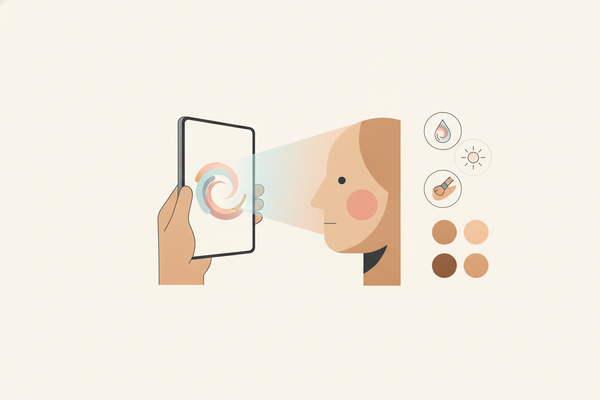
- Live camera (AR): Activate your device's camera for real-time makeup try-on with AI and AR tools, moving your face to see the look from different angles. This is especially engaging on mobile devices and lets you see how makeup responds to your expressions.
Browser-Based Convenience
Unlike apps that require installation, browser-based makeup simulators work instantly. Simply visit the simulator's site, grant camera or photo access, and start exploring hundreds of looks. No downloads, no waiting, and often no sign-up required for basic features. This makes the makeup simulator app ideal for quick experimentation or when you want to try new styles on the go.
The Technology Behind the Magic
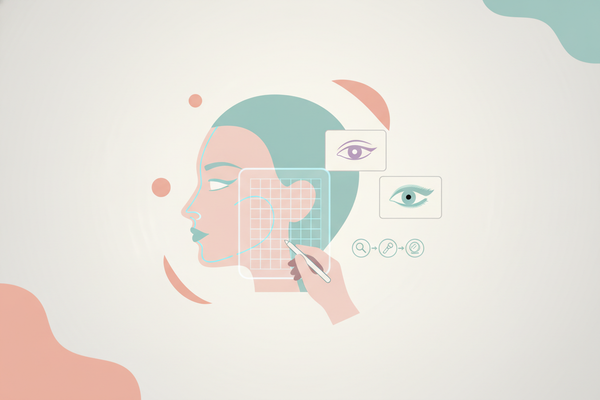
- Facial Landmark Detection: AI pinpoints eyes, lips, brows, and skin zones for precise makeup placement in the simulator.
- AR Rendering: Advanced graphics overlay virtual makeup products that move naturally with your expressions, making the makeup simulator experience lifelike.
- Color Calibration: Algorithms adjust for lighting, skin tone, and undertone so your virtual results closely match real-life application. This ensures the makeup simulator delivers accurate, personalized previews.
For a deeper dive into the tech revolutionizing beauty, check out Makeup AI: Revolutionizing Beauty with Personalized Technology.
Section 3: Exploring 300+ Looks—Styles, Occasions, and Trends
Range of Looks You Can Try
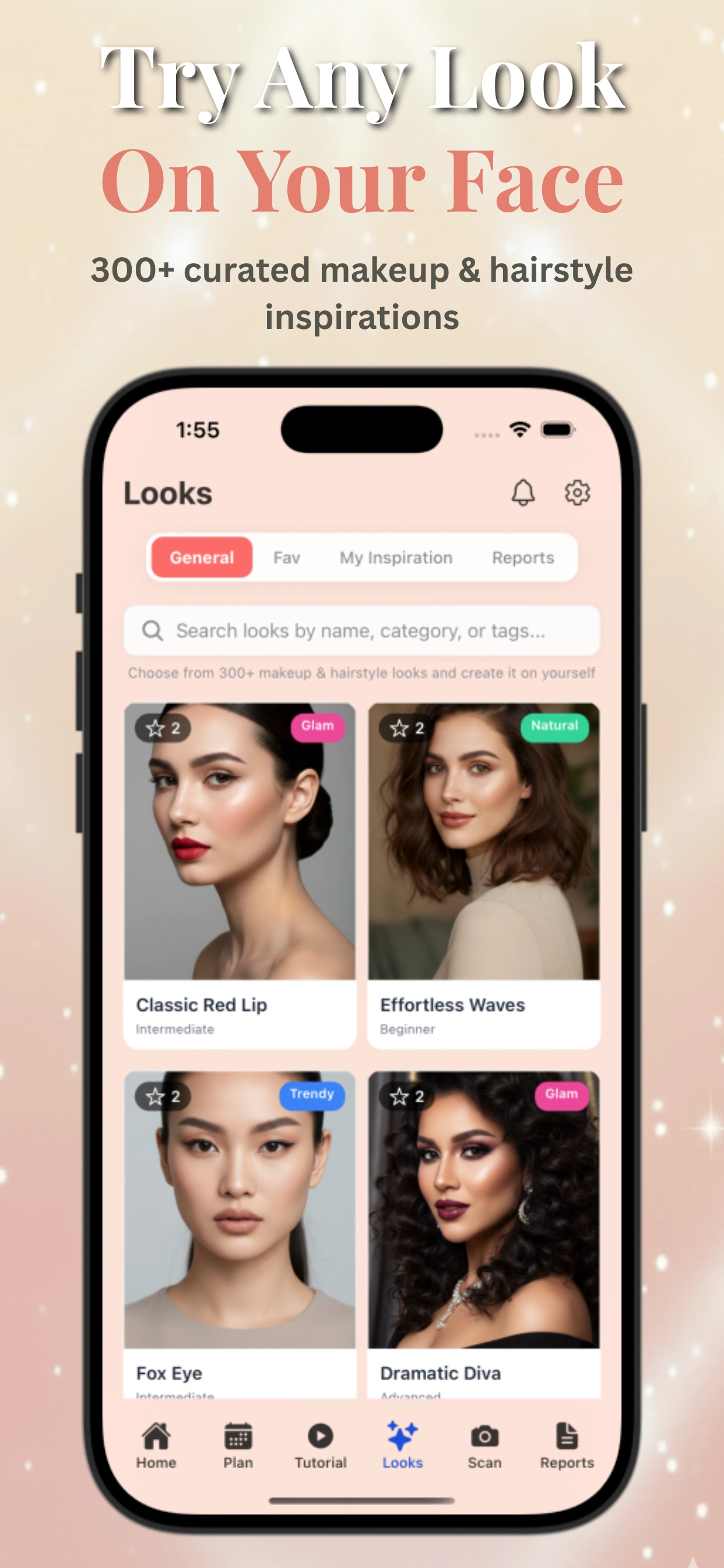
One of the biggest advantages of a modern makeup simulator is the sheer scope of options. Leading tools offer over 300 distinct AI-generated makeup looks, spanning:
- Natural: Barely-there, fresh-faced styles for everyday wear.
- Glam: Red carpet-worthy, bold and defined makeup for nights out.
- Bridal: Soft, radiant looks tailored for wedding days and photoshoots.
- Smoky Eye: Classic or colorful smudged eye looks for dramatic impact.
- Bold Lip: Statement reds, berries, and unconventional shades.
- K-Beauty: Dewy skin, gradient lips, and straight brows inspired by Korean trends.
- Editorial: Artistic, avant-garde looks seen in fashion magazines.
- Party & Festival: Glitter, rhinestones, and vibrant color pops.
Special Features: Trending and Seasonal Looks
Many makeup simulator apps update their libraries with the latest trends—think 90s grunge, Euphoria-inspired glitter, or seasonal themes like spring pastels and holiday glam. Some even allow you to upload a reference photo or select a celebrity look to generate an AI-powered recreation right in the simulator, making the makeup simulator experience even more personalized and fun.
Personalized Suggestions
Makeup Check AI goes a step further, analyzing your facial features and color season to recommend looks that enhance your natural beauty. This personalized approach is perfect for users who want to discover new styles but aren’t sure where to start. The simulator suggests looks based on your unique attributes, making every try-on session more relevant and tailored to you.
Section 4: Testing Products Virtually—Categories and Shade Matching
Full Product Category Coverage
A truly comprehensive makeup simulator app allows users to test a wide variety of product types. Expect to experiment with:
- Lipstick & Lip Gloss: Matte, satin, gloss, and unconventional shades.
- Eyeshadow: Single pans, palettes, and blended looks.
- Blush & Bronzer: Sculpted or natural application on cheeks and temples.
- Foundation & Concealer: Try different coverage levels and undertones for your skin tone.
- Contour & Highlight: See subtle to dramatic face-shaping effects.
- Eyeliner & Mascara: Test winged, smudged, or graphic liner styles.
- Brows: Discover the best shapes, thickness, and tints for your features.
Shade Matching and Undertone Personalization
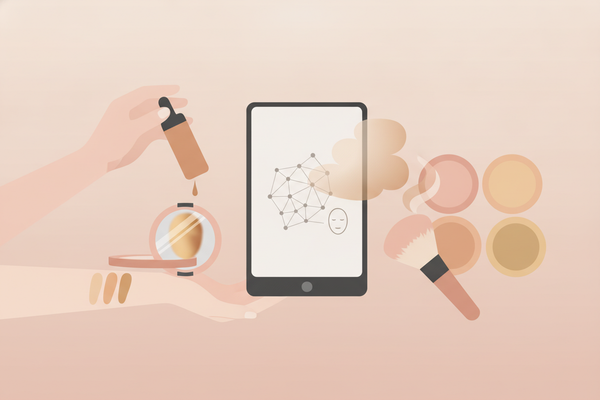
One of the most advanced features in makeup simulator apps like Makeup Check AI is AI-powered shade matching. Here’s how it works:
- Skin Tone Analysis: The AI identifies your base skin tone (light, medium, deep) and undertone (warm, cool, neutral).
- Product Recommendations: The simulator suggests shades that will look most flattering, helping you avoid mismatched foundations or clashing lip colors.
- Brand-Specific or Universal: Some platforms offer real product matches from leading brands, while others provide a broad color library for more generalized testing with the makeup simulator.
Vast Shade Libraries
The best simulators offer hundreds of unique shades per category—think 30+ lipstick hues, 40+ eyeshadows, and a spectrum of foundation colors. This ensures you can accurately preview even niche or hard-to-find tones, all instantly with the makeup simulator app. You can compare shades side by side to see which works best for your complexion.
Curious about how AI is pushing makeup personalization even further? Read more in AI Makeup: The Future of Personalized Beauty Routines.
Section 5: Realistic Results—Skin Tone, Personalization, and AI Features
Facial Mapping and Realism
Accuracy is everything in a makeup simulator. AI-driven tools use sophisticated facial mapping to ensure that:
- Eyeshadow follows your eyelid crease, not your brow bone.
- Lipstick is neatly applied, no blurry edges.
- Blush and contour are placed based on your unique cheekbone structure.
Undertone and Color Season Analysis
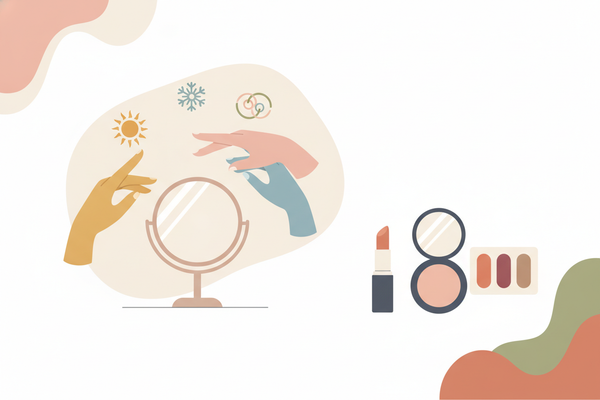
In addition to basic skin tone matching, top makeup simulator apps like Makeup Check AI offer color season analysis (spring, summer, autumn, winter). This lets you preview shades that harmonize with your undertones and natural coloring. Many users are surprised by which colors actually suit them best once AI has analyzed their features and recommended shades in the makeup simulator. This feature is especially helpful for those unsure about which makeup colors complement their complexion.
FAQ
What is a makeup simulator?
A makeup simulator is an AI-powered app or online tool that lets you virtually try on hundreds of makeup looks instantly by uploading a selfie or using your live camera. It provides realistic previews tailored to your skin tone and facial features.
How accurate are makeup simulators?
Modern makeup simulators use AI facial mapping and color calibration to deliver highly accurate, personalized virtual try-ons that match your skin tone, undertone, and facial structure for realistic results.
Can I try different makeup products with a makeup simulator?
Yes, comprehensive simulators let you test various product categories such as lipstick, eyeshadow, blush, foundation, contour, and brows with extensive shade libraries and AI-powered shade matching.
Do I need to download a makeup simulator app?
Many makeup simulators, including Makeup Check AI, are browser-based and require no downloads or sign-ups for basic features, making it convenient to try makeup looks instantly online.
How does AI improve makeup simulation?
AI enhances makeup simulators by analyzing your unique facial features, skin tone, and undertones to recommend personalized looks and shades, ensuring virtual makeup appears natural and flattering.