Clinique Shade Finder: Step-by-Step Tutorial for Perfect Foundation Match
Discover how to use the Clinique shade finder with AI tools for flawless foundation matching and personalized makeup selection.


Estimated reading time: 12 min
Key Takeaways
- The Clinique shade finder uses virtual try-on technology to scan your face and suggest foundation matches.
- Understanding your skin tone depth and undertone can help with more precise shade selection.
- Choosing the right foundation formula before shade matching may improve wearability and finish.
- You can use shade matches from other brands as a reference to find your closest Clinique foundation shade.
- Tips such as applying foundation on a clean jawline under natural lighting can enhance match accuracy.
Table of Contents
- Section 1: Introduction to Clinique Shade Finder and Virtual Try-On
- Section 2: Understanding Skin Tone Depth and Undertones for Clinique Foundation
- Section 3: Choosing the Right Clinique Foundation Formula
- Section 4: Using Another Brand’s Shade to Find Your Clinique Match
- Section 5: Best Practices for Accurate Shade Matching
- Section 6: Clinique Foundation Shade Ranges and Shade Charts
- Section 7: Clinique’s Risk-Free Trial and At-Home Shade Matching Options
Conclusion
FAQ
Section 1: Introduction to Clinique Shade Finder and Virtual Try-On
What is the Clinique Shade Finder?
The Clinique shade finder is an online tool designed to help customers select foundation shades without the guesswork or in-store trials. It uses virtual try-on technology that scans your face through your device’s camera, analyzes your skin tone, and provides several foundation shade options tailored to you.
How does the Virtual Try-On flow work?
The virtual try-on experience typically begins with a camera scan of your face, focusing on areas like the jawline and cheeks. This scan evaluates your skin’s depth, undertone, and texture. The tool then suggests up to three foundation matches from Clinique’s line for you to try on virtually. You can toggle between these shades in real time to see which looks most natural and flattering on your skin, helping you make a more informed purchase decision.
Why is this technology beneficial?
- Convenience: Try foundation shades from home without visiting a store.
- Personalization: Technology analyzes your unique skin features for a tailored match.
- Accuracy: Can help reduce the risk of buying the wrong shade and wasting product.
- Time-saving: Quickly narrows down the best shades for you from the Clinique range.
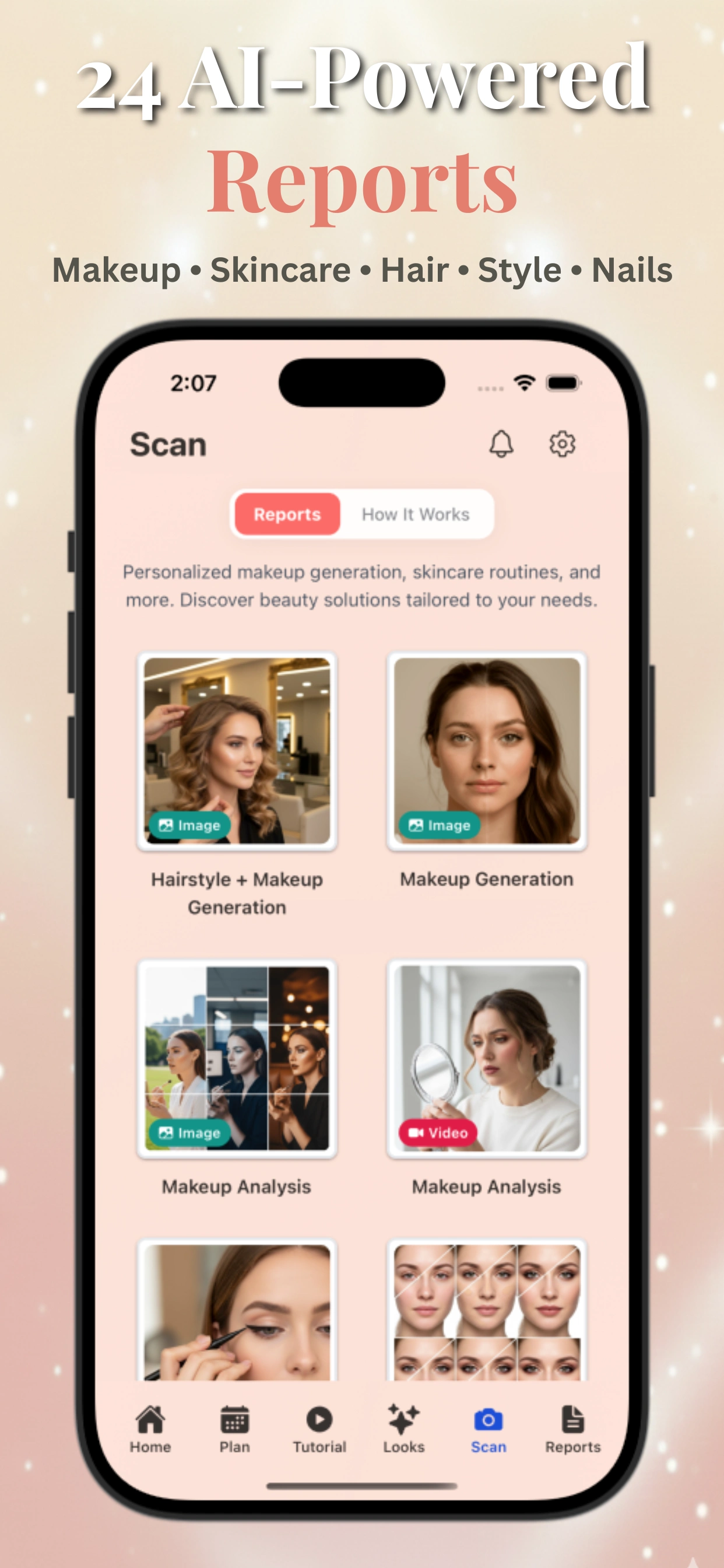
To complement Clinique’s digital tools, apps like Makeup Check AI offer AI beauty scanning and personalized makeup recommendations, providing an integrated approach to finding your ideal foundation shade and makeup looks.
Section 2: Understanding Skin Tone Depth and Undertones for Clinique Foundation
Skin Tone Depth Explained
Skin tone depth generally refers to whether your complexion is light, medium, tan, deep, or dark. This baseline can guide initial shade selection and help narrow down Clinique foundation formulas and shades that may suit your natural coloring.
- Light skin tones often pair well with shades labeled fair to light in Clinique’s range.
- Medium to tan tones fit within the medium shade categories.
- Deep to dark tones typically require deeper shades with richer pigmentation.
What Are Undertones and Why Do They Matter?
Undertones are the subtle hues beneath your skin’s surface that affect how foundation appears once applied. Clinique foundations are formulated to complement three primary undertones:
- Cool undertones: Pink, red, or blue hues. Look for shades with “cool” or “rosy” descriptors.
- Warm undertones: Yellow, golden, or peach hues. Seek “warm,” “golden,” or “peach” shades.
- Neutral undertones: A balance of cool and warm, often described as beige or olive.
Determining your undertone can be helpful for selecting a Clinique foundation that looks natural rather than ashy or overly yellow. Some common methods include:
- Checking the color of your veins under natural light (blue/purple = cool, greenish = warm).
- Noticing whether gold or silver jewelry flatters your skin more.
- Using AI-powered color analysis tools such as those found on Makeup Check AI’s free color analysis page.
How Clinique Shade Finder Uses This Information
The Clinique shade finder incorporates your skin tone depth and undertones into its algorithm to suggest foundation shade options that harmonize with your natural complexion. This aims to make the virtual try-on experience more personalized.
Section 3: Choosing the Right Clinique Foundation Formula
Why Formula Matters Before Shade Selection
Clinique offers multiple foundation formulas, each tailored for different skin types, coverage preferences, and finishes. Selecting your ideal formula first can help ensure that the foundation feels comfortable and lasts throughout the day, which is important alongside shade accuracy.
Overview of Clinique Foundation Formulas
- Liquid Foundations: Examples include the Even Better Makeup SPF 15 and Beyond Perfecting. These offer buildable coverage with a natural or radiant finish.
- Powder Foundations: Such as the Superpowder Double Face Makeup, suitable for oily or combination skin for oil control and matte finish.
- Serum Foundations: Lightweight, hydrating options like the Fresh Pressed Serum Foundation provide a dewy, breathable finish ideal for dry or sensitive skin.
Matching Shades Across Formulas
Clinique shade ranges aim for consistency across formulas, but slight variations in finish and opacity can influence the perceived color. For example, a powder foundation may appear lighter than a liquid in the same shade due to texture differences. The Clinique shade finder recommends formula-specific shades and shows virtual try-ons for each.
Tips for Selecting Your Formula
- Assess your skin type (dry, oily, combination, sensitive) before picking a formula.
- Consider your desired coverage (light, medium, full) and finish (matte, natural, dewy).
- Use digital tools like Makeup Check AI tutorials to better understand how formulas perform on different skin types.
Section 4: Using Another Brand’s Shade to Find Your Closest Clinique Match
Why Cross-Brand Matching is Helpful
If you already own a foundation from another brand that matches you well, you can use that shade as a reference point to find the nearest Clinique foundation shade. This approach can be useful if you want to switch brands without starting from scratch.
How to Convert Your Current Shade to Clinique Shades
- Identify your current foundation’s shade name and undertone.
- Use online shade comparison charts or tools that cross-reference popular foundations, including Clinique.
- Many beauty apps and websites, including Makeup Check AI, offer shade conversion features using AI to analyze your existing foundation shade with your uploaded photo.
Limitations and Tips
Cross-brand shade matching can be a helpful starting point but is not always exact because brands differ in formulation, pigmentation, and undertone intensity. Whenever possible, confirm matches through virtual try-ons or physical samples.
Clinique’s shade finder allows you to input details about your current foundation to receive personalized recommendations, which may help with cross-brand matching.
Section 5: Best Practices for Accurate Shade Matching
Prepare Your Skin Properly
- Use a clean, makeup-free face: This prevents existing makeup from interfering with the scan.
- Ensure skin is moisturized: Hydrated skin reflects foundation color more naturally.
Use Natural Lighting
Perform shade matching near a window or in daylight to avoid artificial lighting that can distort your true skin color.
Apply Foundation on Your Jawline
The jawline is an ideal area to test foundation shades because it connects your face and neck, helping to ensure a seamless match.
Swatch Multiple Shades Side-by-Side
Swatching 2-3 shades next to each other on your jawline helps you evaluate which one blends more naturally into your skin without appearing too light, dark, or orange.
Leverage Technology for Precision
Using tools such as AI-powered virtual try-ons and apps like Makeup Check AI can provide objective analysis and reduce human error in shade selection.
Section 6: Clinique Foundation Shade Ranges and Shade Charts
Overview of Clinique’s Shade Range
Clinique offers a broad shade range across its foundation lines to accommodate diverse skin tones. Shades are typically numbered and named based on skin tone depth and undertone, such as “Almond 36” or “Fair Porcelain 01.”
Shade Charts by Foundation Lines
- Even Better Makeup SPF 15: Offers around 24 shades with cool, warm, and neutral undertones.
- Beyond Perfecting Foundation + Concealer: Includes about 30 shades with medium to full coverage options.
- Superpowder Double Face Makeup: Powder foundation available in approximately 22 shades.
- Fresh Pressed Serum Foundation: Hydrating serum foundation with 18 shade options.
How to Use Shade Charts
Shade charts serve as a visual guide to compare shades side-by-side and understand undertone distribution. Clinique’s online shade finder integrates these charts within the virtual try-on experience, allowing you to see how each shade corresponds to your skin’s characteristics.
Section 7: Clinique’s Risk-Free Trial and At-Home Shade Matching Options
Risk-Free Trial Program
Clinique offers a risk-free trial program where customers can order foundation samples or trial sizes to test shades at home. This helps reduce uncertainty before committing to a full-sized product.
At-Home Shade Matching
- Order foundation sample kits that include multiple shades based on your initial virtual try-on results.
- Test shades in natural light and wear them for a full day to evaluate longevity and comfort.
- Return or exchange products easily if the shades do not meet your expectations.
Combining Digital and Physical Methods
Using a combination of Clinique’s online shade finder and their at-home trial options can provide a comprehensive approach to finding your foundation match. This hybrid method may reduce the risk of errors and enhance your shopping experience.
Conclusion
Finding a suitable Clinique foundation shade is more accessible with AI-powered tools like the Clinique shade finder. By understanding your skin tone depth, undertones, and selecting the right formula, you can work towards a foundation match that complements your natural beauty. Leveraging virtual try-on technology combined with best practices—like using natural lighting and clean skin—can help improve accuracy and confidence in your purchase. Exploring cross-brand shade matching and taking advantage of Clinique’s trial options may further support satisfaction.
For a personalized beauty experience beyond foundation matching, tools like Makeup Check AI provide AI-powered reports, virtual try-ons, tutorials, and tailored skincare plans. These technologies represent evolving approaches in beauty—where AI and personalization aim to empower you to look and feel your best.
FAQ
Q: How do I find my Clinique foundation shade online?
A: Use Clinique’s online shade finder tool that scans your face via camera and analyzes your skin tone depth and undertones to suggest foundation matches. You can also try virtual try-on features to see how shades look before purchasing.
Q: How does Clinique's shade finder work?
A: The shade finder uses virtual facial scanning technology to assess your skin color, undertone, and texture. It then recommends up to three foundation shades from Clinique’s range that may complement your complexion, which you can virtually try on in real time.
Q: What is my undertone for Clinique foundation?
A: Your undertone is the subtle hue beneath your skin surface—cool (pink/blue), warm (yellow/golden), or neutral (a mix). Clinique foundations are formulated to match these undertones for a natural finish. You can determine your undertone using vein color, jewelry test, or AI color analysis tools.
Q: Can Clinique match me to a shade from another brand?
A: Yes, you can use online shade comparison charts or AI-based apps like Makeup Check AI to convert your current foundation shade from another brand to the closest Clinique foundation shade for a smoother transition.
Q: How do I use Clinique Virtual Try-On to pick a foundation shade?
A: Access Clinique’s virtual try-on tool on their website, scan your face using your device camera, and the technology will suggest personalized shade options. You can toggle between these shades to see which blends best with your skin tone and undertone before buying.
Q: What Clinique foundation shade is closest to my current foundation?
A: Use shade matching tools or apps that analyze your existing foundation’s name, number, and undertone to recommend the closest Clinique foundation shade. Testing samples or virtual try-ons is recommended to confirm the match.
Free to start
Try the Makeup Check AI app
Everything in this guide, in your pocket.
Get it on iPhoneGet it on Android