The Ultimate Guide to Interactive AR Makeup Lessons
Explore how interactive AR makeup lessons enhance beauty education with technology-driven tutorials, offering virtual try-ons and real-time feedback.

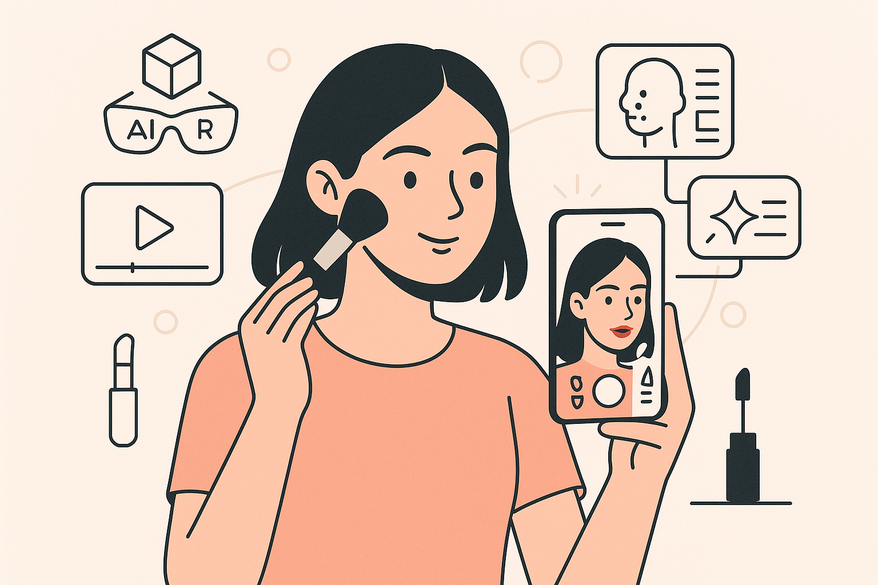
Estimated reading time: 8 minutes
Key Takeaways
- Interactive AR makeup lessons overlay digital cosmetics in real time, offering virtual try-on, instant feedback, and personalized guidance.
- Core features often include virtual try-on, real-time correction, and AI-driven tutorials tailored to individual faces.
- Benefits can range from cost savings and mess-free experimentation to enhanced engagement for beginners and pros.
- Accessible via AR-enabled apps and devices with a simple onboarding process.
- Future trends may include deeper AI integration, wearable AR, and cloud-based 3D visualization.
Table of Contents
- Overview of AR in Beauty
- What Makes AR Makeup Lessons Interactive?
- How to Access AR Makeup Lessons
- Benefits for Beginners and Professionals
- Future Trends
- Conclusion
- Additional Resources
Overview of Augmented Reality in the Beauty Sector
Augmented Reality (AR) overlays digital elements onto real-world views via a device’s camera, enhancing perception by fusing virtual images or data with your surroundings in real time.
Everyday AR applications include:
- Social media filters that add virtual accessories or effects to your face.
- Navigation aids displaying directions on live camera feeds.
- Retail try-on tools for eyewear, clothing, and makeup.
In beauty, AR has enabled virtual try-on (see our post Virtual Makeup Try-On: Revolutionizing Beauty with AR and AI):
- Users can preview foundation, lipstick, and eyeshadow shades instantly.
- Smart mirrors and apps apply makeup layers through facial landmark detection and AI segmentation.
- Retailers integrate AR kiosks in stores and online to enhance customer experience and potentially reduce returns.
Transformation of traditional makeup lessons includes:
- Live overlays that guide users through each step of application.
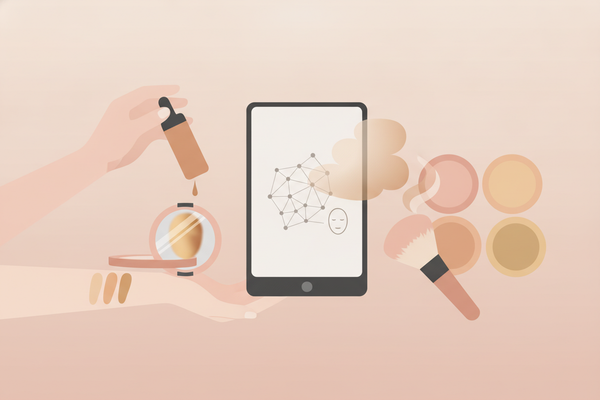
- Facial mapping that can adjust tutorials to individual face shapes and skin tones.
- Replacing physical palettes and brushes with digital renderings featuring customizable textures.
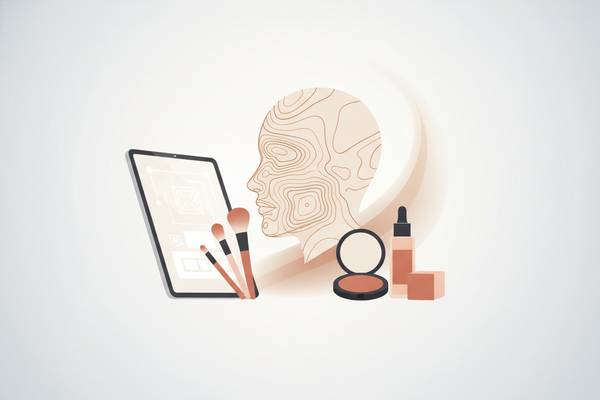
Thanks to real-time overlay and AI-driven facial mapping, makeup classes can now be interactive experiences. Learners receive dynamic, visual feedback as they follow on-screen markers, making teaching methods potentially more engaging and precise.
What Makes AR Makeup Lessons “Interactive”?
Interactivity means two-way engagement: the lesson adapts to the user’s input and appearance. Unlike passive videos, interactive AR makeup lessons respond in real time.
Feature 1 – Virtual Try-On
- Technical workflow:
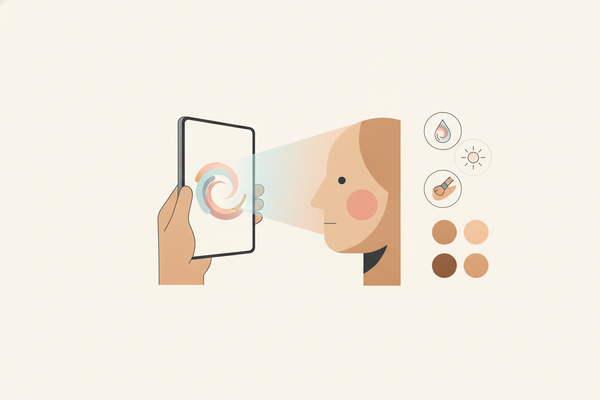
- Camera captures live face video for tracking.
- AI detects facial landmarks and maps features using 3D depth sensing on supported devices.
- AR engine renders makeup layers (foundation, blush, eyes, lips) with shading, blending, and texture effects.
- Users can preview products and shades on their face under varying virtual lighting conditions.
- No need to purchase or physically apply items, enabling experimentation.
Feature 2 – Real-Time Feedback
- On-screen overlays guide brush strokes, color placement, and blending techniques with step-by-step instructions.
- Feedback loop:
- The app compares the user’s current application to an ideal makeup map using AI-driven image analysis.
- Corrections may appear as highlights, arrows, or gentle vibrations on supported devices to indicate adjustments.
- Users can adjust strokes, pressure, and color intensity based on visual and haptic cues.
Feature 3 – Personalized Tutorials
- AI can analyze:
- Facial structure (bone angles, feature symmetry) with 3D modeling.
- Skin tone and undertones using multispectral imaging where available.
- Personal style preferences (bold, natural, editorial) via user input and behavioral learning.
- The lesson may adapt steps, recommended products, and color palettes accordingly, offering dynamic customization.
Comparison with conventional tutorials (to dive deeper, see our AR step guide):
- One-way videos or static diagrams vs. dynamic, adaptive lessons.
- Standard tutorials cannot adjust to face shape, skin tone, or real-time errors.
- AR lessons can immerse learners and potentially boost retention through hands-on guidance and immediate correction.
How to Access AR Makeup Lessons
- Select an AR Platform or App
- YouCam Tutorial by Perfect Corp – offers skill-building and full-look lessons with AI-powered skin analysis and personalized coaching.
- Sephora Virtual Artist – retailer-branded trials, expert tutorials, and integration with online shopping.
- Other options include L’Oreal Makeup Genius (now integrated into ModiFace), Banuba Beauty SDK for developers, and emerging apps like AR Beauty Pro offering AR filters and tutorials.
- Check Device Requirements
- AR-enabled smartphone or tablet with a front camera supporting ARKit (iOS) or ARCore (Android) for optimal performance.
- Stable internet connection for real-time data processing and cloud AI features.
- For professionals: smart mirrors (e.g., HiMirror Plus) or AR glasses (e.g., Nreal Air, Meta Quest Pro) with SDK support for hands-free tutorials.
- Onboarding Process
- Sign up or log in with email or social credentials, with optional biometric authentication for security.
- Grant camera access for facial scanning under privacy-compliant protocols.
- Position face in frame under natural, even lighting; some apps support low-light enhancements.
- Wait for several seconds as the app maps your key facial landmarks and skin attributes.
- Choose lesson type:
- Skill focus (e.g., contouring, smokey eye, brow shaping)
- Full look (e.g., bridal, editorial, everyday)
- Engage with the Lesson
- Follow on-screen markers pointing to eyelids, cheeks, lips, and other facial zones with guidance.
- Use progress trackers or gamified points to measure completion and unlock advanced content.
- Save snapshots, videos, or before-and-after comparisons, with options for cloud backup and social sharing.
For a hands-on walkthrough of augmented reality tutorials, check out our complete AR guide.
Benefits for Beginners and Professionals
For Beginners
- Risk-free environment: experiment without product waste, allergic reactions, or skin irritation.
- Instant error correction: on-screen feedback can help prevent mistakes and build muscle memory.
- Confidence building: practice until comfortable without pressure or embarrassment.
- Access to diverse looks and styles encourages creativity and self-expression.
For Professionals
- Advanced technique practice: refine precision eyeliner, contouring, or color correction with AI assistance.
- Remote demos: showcase looks to clients across locations via high-resolution video sharing and live AR sessions.
- Consistency: support uniform application on diverse face shapes and skin tones with AI standardization.
- Portfolio building: record and save client looks digitally for future reference and marketing.
Customization & Safe Experimentation
- Unlimited virtual try-ons of colors, textures, and finishes including matte, gloss, shimmer, and metallic.
- No cost per shade or brush—ideal for trend-driven experimentation and seasonal updates.
- Explore seasonal palettes, editorial styles, high-fashion, and cultural looks with expert guidance.
- Integration with e-commerce enables quick purchase of favorite virtual-tested products.
Increased Engagement & Retention
- Gamified progress tracking can motivate ongoing learning with levels, badges, and challenges.
- Real-time interaction may keep users focused longer than passive tutorials, potentially improving skill retention.
- Personalized milestones and badges reward skill mastery and encourage community participation.
- Social sharing features foster peer feedback and collaborative learning.
Future Trends in AR Makeup Lessons
AI Integration
- Predictive guidance: next-step suggestions based on progress, user behavior, and emerging trends.
- Adaptive lesson flow that shortens or extends steps as needed for personalized pacing.
- Emotion recognition to tailor tutorials based on user confidence and mood.
Virtual Dermatology & Skincare Analysis
- AR scans may assess skin health: hydration levels, pore size, fine lines, pigmentation, and acne.
- Personalized skincare regimen recommendations alongside makeup tutorials, integrating with smart skincare devices.
- Progress tracking over time to monitor skin improvements and adjust makeup accordingly.
AR Glasses & Wearables
- Hands-free tutorials through smart glasses in salons or at home, enabling multitasking and natural movement.
- Voice-activated prompts and touchpad or gesture controls for seamless navigation without interrupting application.
- Integration with AI assistants for real-time Q&A and personalized coaching.
Cloud-Based 3D Visualization
- Store and sync virtual looks across multiple devices, ensuring continuity and convenience.
- Instant social sharing for community feedback, peer review, and influencer collaborations.
- 3D makeup models that adjust lighting and angles dynamically for realistic previews.
- Augmented reality shopping experiences linking virtual try-on to purchase options.
Industry Collaboration
- Brands embedding AR SDKs in partner apps for exclusive tutorials, limited edition virtual looks, and loyalty rewards.
- Cross-platform experiences linking e-commerce, influencer content, and AR lessons for seamless user journeys.
- Collaborations with dermatologists and makeup artists to enhance tutorial authenticity and effectiveness.
Conclusion
Interactive AR makeup lessons blend augmented reality, AI, and beauty expertise to offer new ways to learn and practice makeup. These immersive tutorials:
- Provide convenience, personalization, and engagement.
- Offer risk-free, hands-on learning for beginners and advanced pros.
- Can save time and money by replacing physical products with digital overlays.
- Hold potential for an even richer future with AI-driven guidance, AR wearables, and cloud-based sharing.
If you’re interested in enhancing your makeup skills, consider trying an interactive AR makeup lesson to experience virtual try-on, real-time feedback, and tailored tutorials that adapt to you.
Additional Resources
- Perfect Corp YouCam Tutorial
- Sephora Virtual Artist insights
- AR in Beauty & Cosmetics by Kivisense
- Banuba AR Beauty Technology use cases
FAQ
- Which devices support AR makeup lessons? Most AR-enabled smartphones or tablets with a front-facing camera and support for ARKit (iOS) or ARCore (Android) work well. Professional setups may use smart mirrors or AR glasses like Nreal Air or Meta Quest Pro.
- Do I need to buy products before trying shades? No—virtual try-on lets you preview foundations, lipsticks, and eyeshadows without any purchase or physical application.
- How accurate are the virtual shades? Advanced AI mapping aims to provide realistic color rendering, though factors like lighting, screen calibration, and device camera quality can affect appearance.
- Can professionals use AR lessons with clients? Yes—remote demos, live AR sessions, and recorded progress videos can help makeup artists showcase techniques and collaborate across distances.
- Are my privacy and data secure? Reputable AR apps typically encrypt facial data and process scans locally or on secure servers compliant with privacy regulations such as GDPR and CCPA. Always review the app’s privacy policy before use.