The Ultimate Guide to Color Correcting Dark Spots: Techniques & AI Makeup Generator Tips
Learn effective techniques for color correcting dark spots, and discover how AI makeup generators can enhance your routine for a flawless complexion.

Estimated reading time: 10 minutes
Key Takeaways
- Color correction neutralizes hyperpigmentation for a flawless makeup base.
- Choose hues based on the color wheel: green for redness, peach/orange for grey-blue spots, yellow for mild discoloration.
- Proper skin prep and layering—cleanse, moisturize, prime, correct, set, foundation, concealer—ensures long-lasting coverage.
- AI makeup generators offer personalized shade matching and step-by-step guidance to streamline your routine.
- Daily SPF and gentle skincare habits help prevent new dark spots over time.
Table of Contents
- Section 1: Understanding Dark Spots and Color Correcting Dark Spots
- Section 2: Step-by-Step Makeup Techniques for Color Correcting Dark Spots
- Section 3: AI Makeup Generator for Color Correcting Dark Spots
- Section 4: Tips and Tricks for Color Correcting Dark Spots with AI Makeup Generator
- Section 5: Tips for Long-Term Spot Prevention
- Conclusion
Section 1: Understanding Dark Spots and Color Correcting Dark Spots
Unearthing the root of hyperpigmentation is the first step to effective camouflage. Dark spots, often called hyperpigmentation or blemishes, result from excess melanin due to sun exposure, hormonal changes, acne scars, or aging. They may range from light brown to deep grey-blue, demanding targeted correction rather than standard concealer alone.
- Why standard concealer falls short: Foundation alone can appear heavy without neutralizing the underlying hue, often resulting in a dull or ashy look especially on deeper skin tones.
- Color wheel principle: Opposite hues cancel each other—green versus red and peach/orange versus blue-grey.
- Corrector shades by skin tone:
- Light skin: yellow brightens mild brown spots and subtle discoloration.
- Medium/deep skin: peach or orange neutralizes blue or greyish undertones.
- Very deep hyperpigmentation: red or deep orange for intense darkness, especially on rich skin tones.
- Texture matters: Cream correctors suit dry or mature skin, liquids are best for oily or combination skin, and sticks or mousses are ideal for travel or touch-ups.
"In my 2025 makeover workshop, a peach corrector under a lightweight foundation made stubborn spots invisible without any caking or heaviness."
Section 2: Step-by-Step Makeup Techniques for Color Correcting Dark Spots
Goal: A foolproof routine to neutralize spots and achieve a natural finish.
Step 1: Skin Prep
- Cleanse with a pH-balanced, fragrance-free face wash to avoid irritation.
- Moisturize using a non-comedogenic lotion; look for ceramides for barrier support.
- Apply broad-spectrum sunscreen (SPF 50+ is now standard in 2026 for daily protection).
- Prime with a thin, silicone-based or hydrating formula to blur pores and smooth texture.
Source: YouTube tutorial
Step 2: Apply Color Corrector
- Use a small synthetic brush or clean fingertip for precise dotting.
- Tap (don’t swipe) corrector on each spot, blending the edges gently to avoid harsh lines.
- Apply only as much as needed to neutralize color—overapplication can peek through foundation.
Source: L’Oréal Paris Color Correction Guide
Step 3: Set Corrector
- Lightly dust a finely milled, talc-free translucent powder over corrected areas.
- Press powder with a small fluffy brush or puff to keep the corrector in place and prevent migration.
Source: YouTube tutorial
Step 4: Layer Foundation
- Use a damp beauty sponge or dense buffing brush for an even, skin-like finish.
- Bounce or stipple foundation to build medium coverage, focusing on corrected areas first.
- Blend outward toward neck and hairline to avoid harsh lines and mask effect.
Step 5: Targeted Concealer
- Dot a creamy, buildable concealer that matches your skin tone over any visible spots or stubborn areas.
- Tap edges with ring finger or brush to feather into surrounding skin for a seamless blend.
For top concealer picks check best concealer picks
Key Tip: Build in thin layers to prevent a cakey finish. In 2026, lightweight, serum-based concealers are trending for their natural look and flexible coverage.
Section 3: AI Makeup Generator for Color Correcting Dark Spots
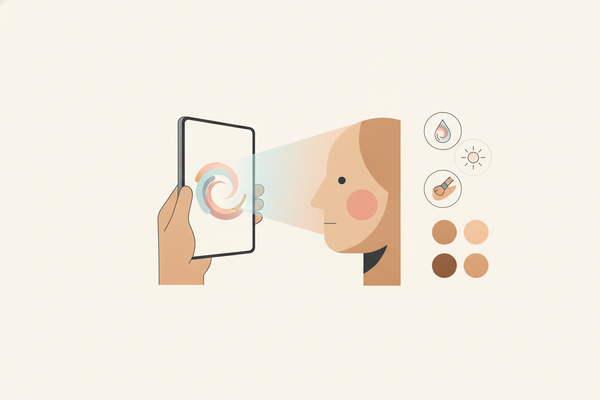
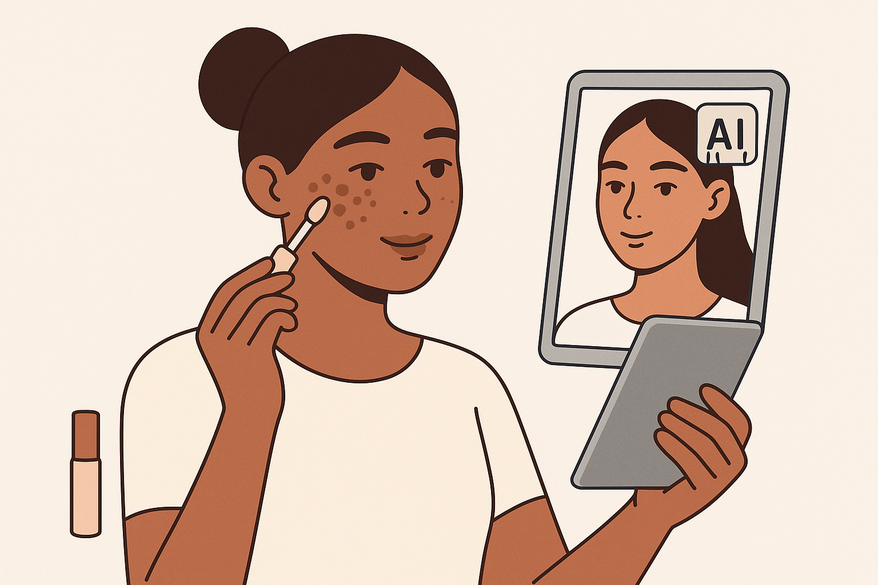
What is an AI makeup generator? It’s a digital tool or app using advanced machine learning (now often based on multimodal AI in 2026) to analyze your skin tone, spot severity, and face shape via a selfie or quick scan. It then recommends the perfect corrector hue, foundation formula, and application steps based on up-to-date professional makeup datasets and real-world user results.
For a seamless AI-driven experience, Makeup Check AI offers personalized spot-correcting routines right on your phone, now featuring real-time video analysis and AR overlays as of 2026.
Benefits
- Reduces guesswork with precise shade matching—even for complexions under different lighting conditions.
- Speeds up your routine with step-by-step, interactive guidance that adapts as you apply.
- Integrates the latest makeup trends, updated product launches, and professional techniques from 2026.
Limitations
- Accuracy depends on image quality, camera calibration, and ambient lighting.
- May require manual tweaks for unique skin textures, allergies, or very recent treatments like peels or microneedling.
- Should complement, not replace, a professional makeup artist’s expertise for special occasions or editorial looks.
Top AI Makeup Generator Tools (2026)
- ModiFace Virtual Try-On — AR makeup previews and updated in 2026 with improved skin mapping.
- YouCam Makeup — AI-driven skin analysis with new hyperpigmentation tracking features.
- Sephora Virtual Artist — Shade matching and color correction demo, now supporting more inclusive shade ranges and real-time video try-on.
Section 4: Tips and Tricks for Color Correcting Dark Spots with AI Makeup Generator
- Start light: Apply the palest corrector shade first; layer deeper tones only if needed, as recommended by your AI analysis.
- Pair tools: Use a precision brush for pinpoint spots and a damp sponge or AI-recommended blending tool for seamless edges.
- Layer lockdown: Dust translucent powder after each tinted layer—corrector, foundation, concealer—to prevent slippage, especially in humid climates.
- Timing matters: Wait 10–15 seconds for each layer to set before the next application; some AI apps now include a timer feature for this.
- Hybrid testing: Compare AI recommendations with in-store swatches under natural light or use AR to preview results before purchasing.
- Midday maintenance: Blot excess oil and touch up problem areas with pressed powder or a serum concealer pen for natural refresh.
Section 5: Tips for Long-Term Spot Prevention
- Daily SPF: Your best defense against new dark spots—broad spectrum, minimum SPF 50, reapplied every 2 hours when outdoors.
- Brightening serums: Vitamin C, niacinamide, and tranexamic acid are the top dermatologist-recommended ingredients in 2026 for fading hyperpigmentation.
- Gentle exfoliation: Weekly AHA/BHA peels or enzyme exfoliants help encourage cell turnover and fade spots faster.
- Professional treatments: Consult a dermatologist for chemical peels, laser therapy, or the latest FDA-cleared pigment-targeting devices available in 2026.
Conclusion
Mastering color correction and leveraging an AI makeup generator empowers you to achieve a radiant, even complexion. By understanding hyperpigmentation, following precise makeup routines, and embracing technology, you’ll transform your beauty regimen into a personalized, pro-level experience. Experiment with both time-tested artistry and digital innovation to discover what works best for your skin in 2026.
Call to Action
Download our free 2026 PDF tutorial or try a demo of an AI makeup generator today to customize your spot-correcting routine.
FAQ
- Which corrector shade should I use for my skin tone? Match the neutralizing hue to your spot’s color—green for redness, yellow for mild brown, peach/orange for grey or blue spots, and red or deep orange for very dark areas. AI tools can now scan and recommend the exact shade in 2026.
- Can AI makeup generators replace professional makeup artists? They streamline shade matching and application steps, but pairing AI guidance with human artistry yields the best results, especially for events or photo shoots.
- How often should I reapply sunscreen to prevent new dark spots? Reapply every two hours when exposed to direct sunlight and after sweating or swimming, as per 2026 dermatologist consensus.
- Will color correcting make my makeup look cakey? Not if you build in thin layers, set each step with translucent powder, and avoid overloading product. Modern formulas in 2026 are designed to be weightless and flexible.